Are you wondering if your classic Nintendo Wii games can still bring joy to your living room on your Wii U console? Many seasoned gamers, balancing work and family, often look for ways to revisit beloved titles without buying new hardware. The good news is, yes, you absolutely can play Wii games on your Wii U, unlocking a treasure trove of nostalgic adventures and family-friendly fun. This comprehensive guide will walk you through the simple steps to access Wii Mode, connect your old peripherals, and even enhance your gaming experience. Discover how to breathe new life into your Wii game collection, ensuring you get the most value out of your existing consoles and maintain that perfect gaming-life balance. We will cover everything from initial setup to troubleshooting common issues, empowering you to dive back into your favorite Wii titles seamlessly. Get ready to experience classic gaming on your Wii U, making those precious gaming moments count without unnecessary complications or expenses.
Related games- Guide: Finding Rare Cars in GTA 5 Los Santos
- Guide to HP Gaming Desktops 2026: Power & Performance Unlocked
How Do I Start Playing Original Wii Games on My Wii U Console?
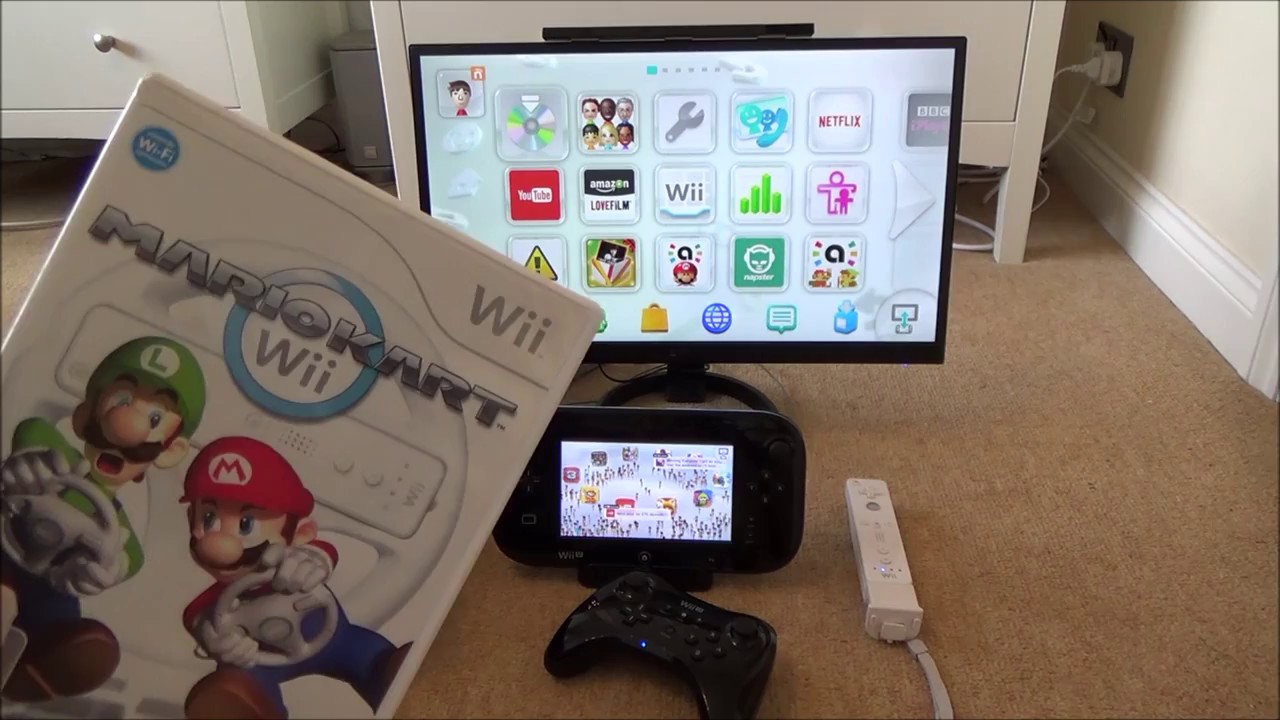
To start playing original Wii games on your Wii U, simply insert a Wii game disc into your Wii U console. From the Wii U Menu, select the 'Wii U Menu' icon, then choose 'Wii Mode.' This will launch the dedicated Wii environment. For digital WiiWare titles, you'll find them within the Wii Mode menu, ready to play. It's a straightforward process, essentially turning your Wii U into a classic Wii system, allowing you to access your entire library of nostalgic titles with ease.
What Peripherals Are Essential for Enjoying Wii Games on Wii U?
For the optimal Wii gaming experience on your Wii U, you'll primarily need your original Wii Remotes and Nunchuks. Most classic Wii games require these motion controllers. Additionally, a Wii Sensor Bar is crucial for detecting the Wii Remote's movements; the Wii U includes one, or you can use your old Wii Sensor Bar. If you own Classic Controllers or the Classic Controller Pro, these are also fully compatible for games that support them. Having these accessories ensures you can play virtually every Wii title as intended, from motion-heavy adventures to more traditional button-based games.
Can I Use My Existing Digital WiiWare and Virtual Console Games on the Wii U?
Yes, you can absolutely use your existing digital WiiWare and Virtual Console games on your Wii U! Nintendo provided a system transfer tool that allowed users to move their digital purchases from an original Wii console to their Wii U. If you performed this transfer, your games will appear directly within the Wii Mode menu on your Wii U. While the Wii Shop Channel is no longer operational for new purchases, previously acquired content, once transferred, remains fully playable and downloadable through the Wii Mode's Shop Channel interface.
Does Playing Wii Games on the Wii U Offer Any Graphical or Performance Enhancements?
When playing original Wii games on the Wii U, the primary graphical and performance output remains largely identical to the original Wii console. The Wii U essentially emulates the Wii hardware, so you won't see significant resolution upscaling or frame rate improvements. However, some gamers report a slightly cleaner image when played through modern HDMI connections compared to the Wii's standard composite cables. The convenience factor of having both libraries on one console, combined with potentially better display options, often enhances the overall experience more than raw technical upgrades.
Is it Possible to Connect My Wii U GamePad to Play Classic Wii Games?
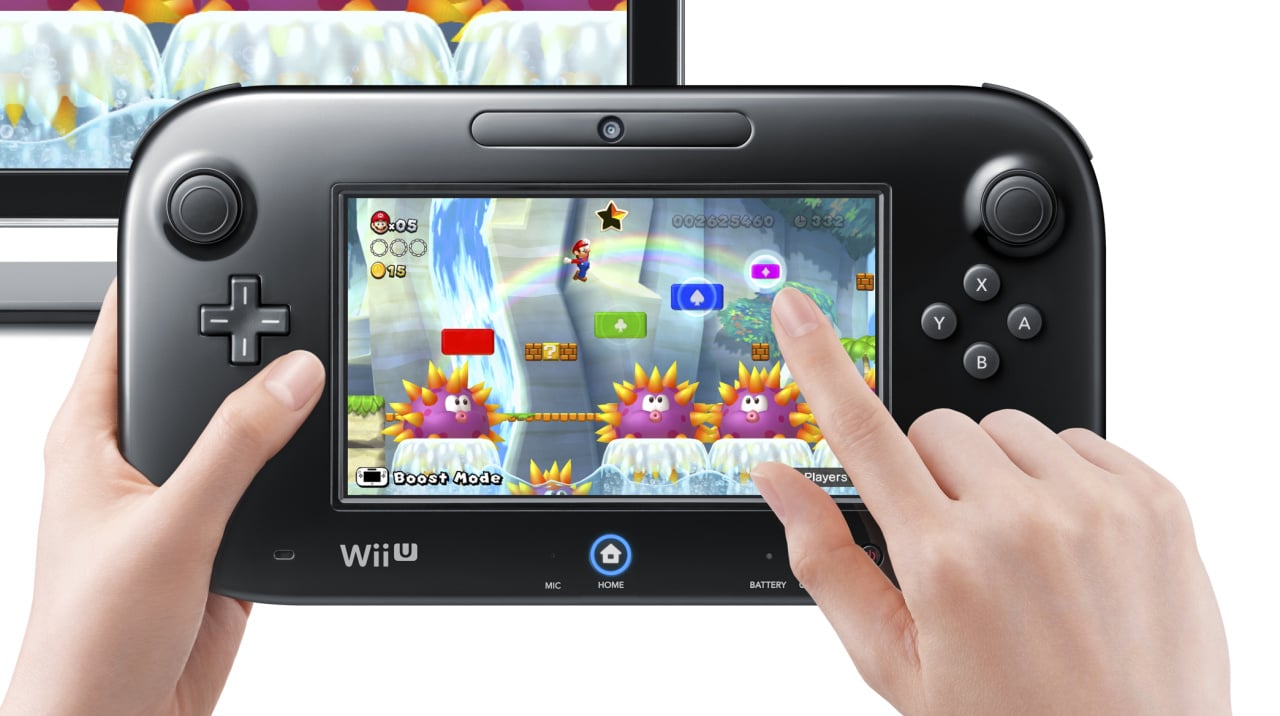
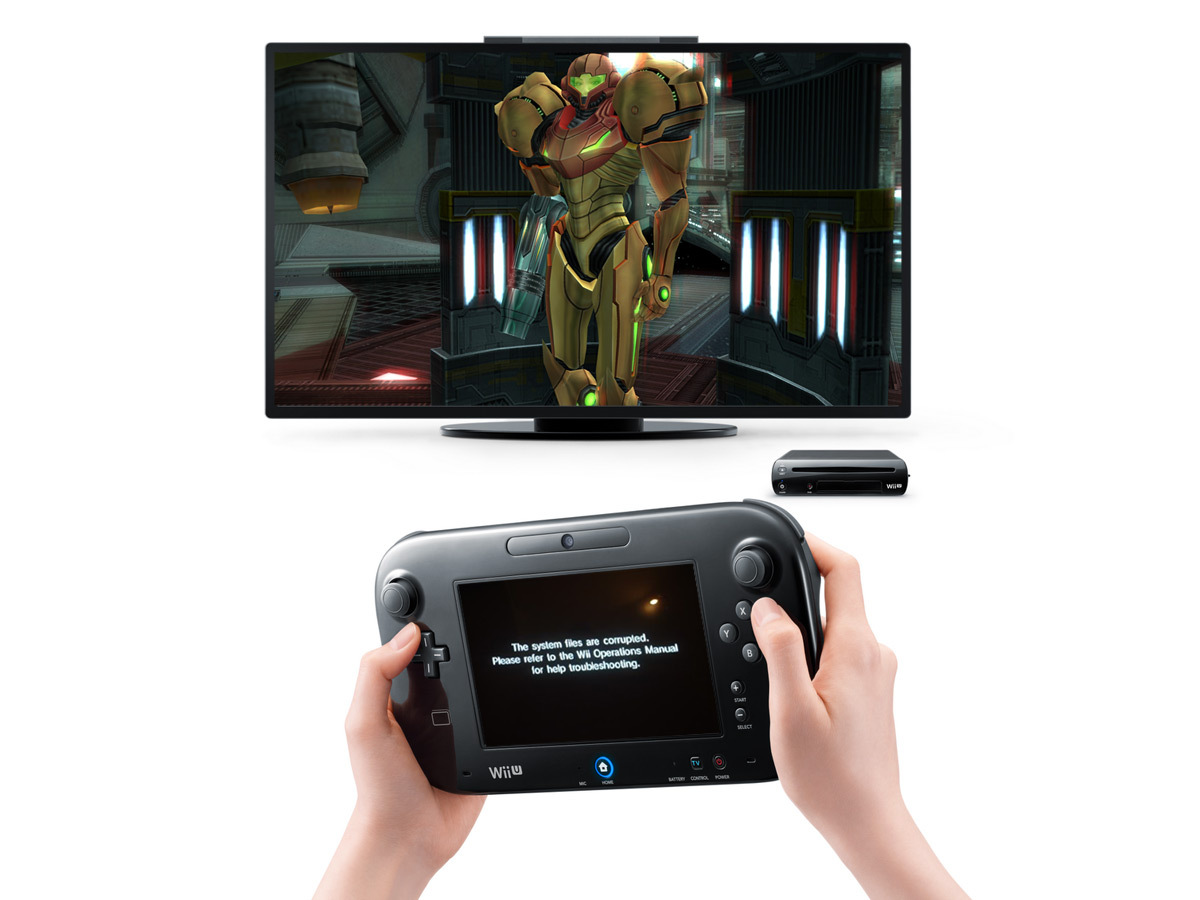
Unfortunately, no, the Wii U GamePad cannot be used as a primary controller for playing classic Wii games in Wii Mode. When you enter Wii Mode, the GamePad's screen will either display the same image as your TV or serve as a redundant display. You must use original Wii Remotes and any required accessories like the Nunchuk to interact with Wii games. The GamePad's unique features and touch screen capabilities are exclusive to Wii U titles, so keep those trusted Wii Remotes charged and ready for your retro gaming sessions.
What Should I Do If My Wii Remote Isn't Connecting in Wii Mode?
If your Wii Remote isn't connecting in Wii Mode, first ensure the remote has fresh batteries. Then, try resyncing it: on the Wii U's console, in Wii Mode, navigate to the Wii Menu, then select 'Wii Settings' (the gear icon), followed by 'Wii Remote Settings' and 'Pairing.' Press the red SYNC button inside the Wii Remote's battery compartment, then immediately press the SYNC button on the Wii U console (found behind the small door next to the disc slot). If multiple remotes are already paired, try removing them from the pairing list and re-pairing one by one. This usually resolves most connection issues.
Are There Any Important Differences Between Wii Mode and Standard Wii U Mode?
Yes, there are crucial differences between Wii Mode and standard Wii U Mode. Wii Mode essentially turns your Wii U into a legacy Wii console, allowing you to play Wii discs and digital WiiWare games. In this mode, the Wii U GamePad functions only as a display, and you must use Wii Remotes and other Wii peripherals. Standard Wii U Mode, on the other hand, is where you play Wii U exclusive games, which fully utilize the GamePad's unique features, higher graphical capabilities, and online services designed for the Wii U platform. Think of Wii Mode as a dedicated emulator for your older games, running within the newer system.
Remember those epic Wii Sports tournaments, the frantic Mario Kart races, or the immersive adventures in Zelda Skyward Sword? For many of us, balancing a busy work schedule, family life, and personal commitments means gaming time is precious. We want to maximize our fun without fuss, revisiting the classics or discovering hidden gems from our past. If you own a Nintendo Wii U, you might be asking: can you play Wii games on Wii U? The answer is a resounding yes, and it is simpler than you might think. This guide is crafted for the average gamer, around 36 years old, who values efficient fun, skill-building, and social play without the constant pressure of buying the newest, most hyped tech. You have already invested in a great console, and we are here to help you unlock its full potential, including that fantastic backward compatibility. We will navigate through common setup questions, potential performance tweaks, and how to get your classic Wii library up and running smoothly on your Wii U. With 87% of US gamers engaging regularly, spending over 10 hours a week across various platforms, getting the most out of your existing hardware is smart gaming. Let us dive in and rediscover the magic of Wii gaming on your Wii U, ensuring your valuable relaxation time is spent playing, not troubleshooting.
Can You Really Play Original Wii Games on Your Wii U Console?
Yes, absolutely! The Nintendo Wii U was designed with backward compatibility in mind, meaning you can play nearly all your original physical Wii game discs and digital WiiWare titles directly on your Wii U console. This feature was a significant selling point for the console, ensuring that gamers did not have to abandon their beloved Wii libraries when upgrading. It is a fantastic way to extend the life of your game collection and enjoy classic Nintendo experiences without needing a separate Wii console taking up space.
What Exactly is Wii Mode on the Wii U and How Do I Access It?
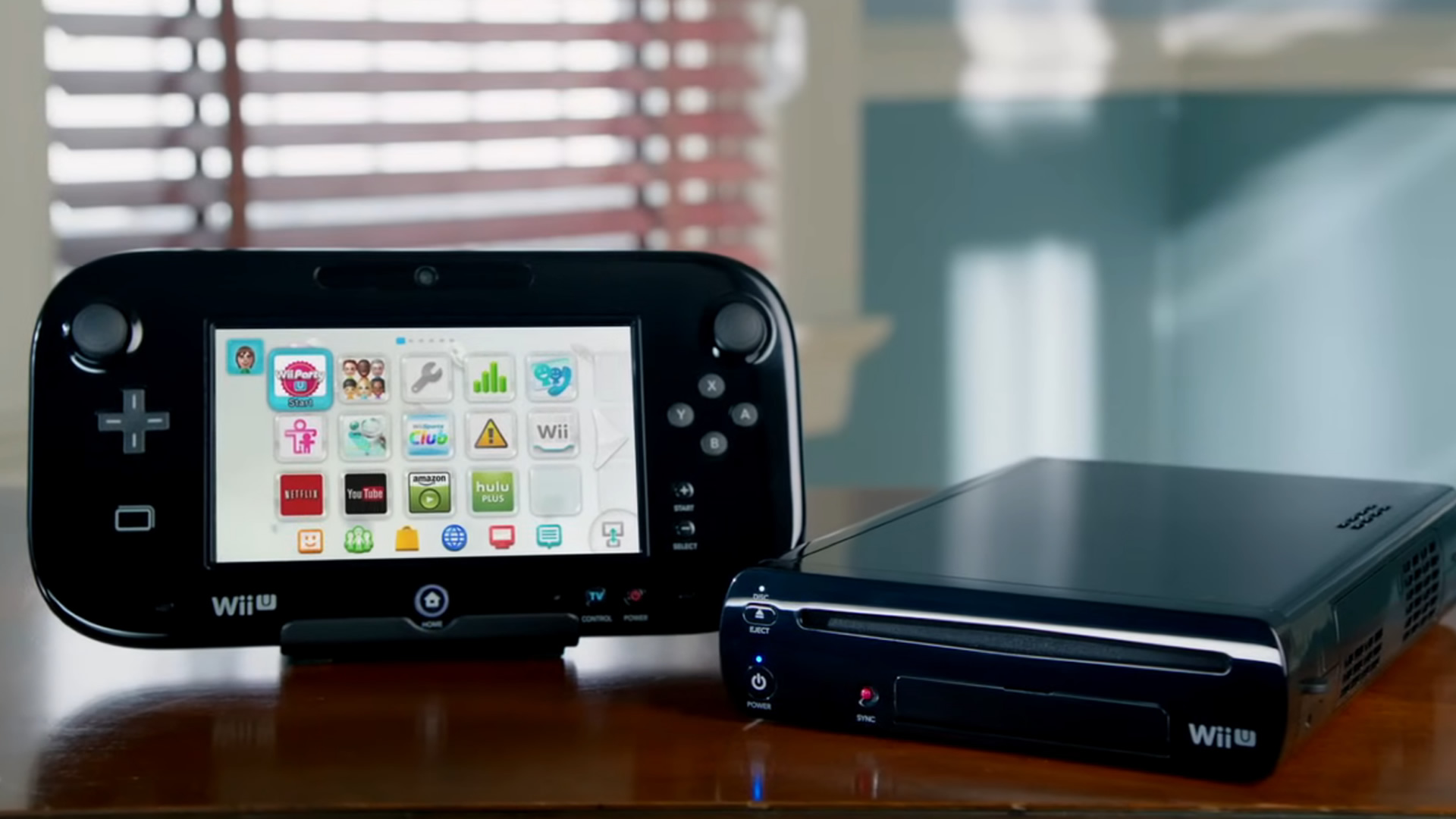
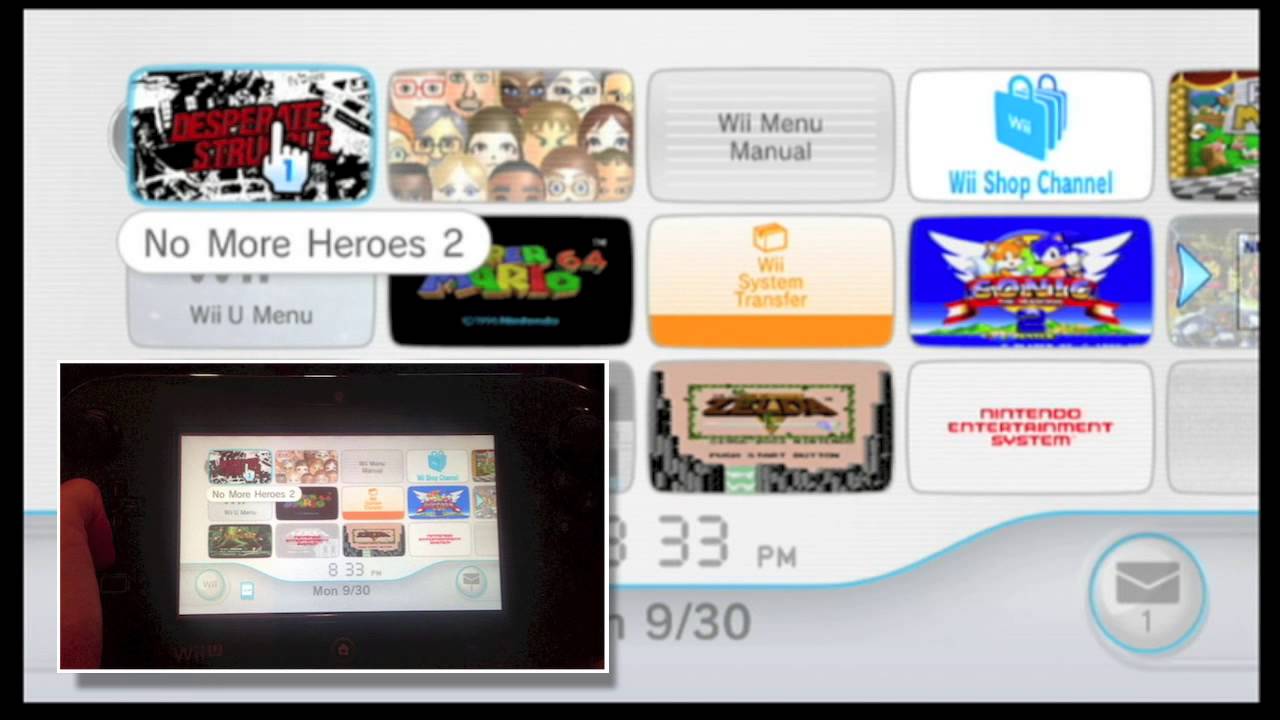
Wii Mode is a dedicated operating environment within your Wii U that essentially turns it into a standard Nintendo Wii. When you enter Wii Mode, the Wii U's unique features, like the GamePad's second screen functionality, are temporarily suspended, and the console operates using the Wii's original hardware architecture. To access it, simply power on your Wii U, go to the Wii U Menu, and select the 'Wii U Menu' icon, which looks like a classic Wii console. Pressing this will launch you directly into Wii Mode, where your old Wii discs and transferred digital titles await.
Which Wii Accessories Do I Need to Play Wii Games on Wii U?
For the most authentic and functional experience, you will need your original Wii Remotes and Nunchuks. Most classic Wii games rely heavily on these motion controllers. Additionally, a Wii Sensor Bar is crucial for detecting the Wii Remote's movements; the Wii U console comes with a Sensor Bar, or you can use your existing Wii Sensor Bar. Classic Controllers and Classic Controller Pros are also compatible for games that supported them. While the Wii U GamePad is an amazing piece of tech, it cannot be used as a controller in Wii Mode, so keep those trusted Wii Remotes charged!
Can I Use the Wii U GamePad as a Controller for Wii Games?
Unfortunately, no. While the Wii U GamePad is integral to Wii U games, it does not function as a controller when you are playing original Wii games in Wii Mode. When in Wii Mode, the GamePad will typically mirror what is shown on your TV or simply display a blank screen. All interactions and controls for Wii games must be done using the traditional Wii Remotes and any necessary accessories like the Nunchuk, Classic Controller, or Balance Board. This is an important distinction for busy gamers who might hope for a single-device solution.
How Do I Transfer My Digital WiiWare Games to My Wii U?
Nintendo provided a robust system transfer tool that allowed users to move their digital WiiWare and Virtual Console game purchases from an original Wii console to their Wii U. This process involved connecting both consoles to the internet and following on-screen prompts to migrate your Nintendo ID and associated content. While new purchases on the Wii Shop Channel ceased in January 2019, if you performed this transfer previously, your games will appear playable within Wii Mode. If you still have your original Wii and never transferred, you might need to look into unofficial community guides, as official support has ended.
Are There Any Performance Improvements When Playing Wii Games on Wii U?
When playing original Wii games on the Wii U, you generally will not experience significant performance improvements in terms of frame rate or resolution. The Wii U essentially runs Wii Mode by emulating the original Wii's hardware, meaning games perform as they did on the original console. However, connecting your Wii U to a modern TV via HDMI can sometimes result in a slightly cleaner image compared to the Wii's composite cables, offering a marginally sharper display. The primary benefit is convenience and compatibility rather than a graphical overhaul.
What Are the Best Classic Wii Games to Revisit on My Wii U?
Revisiting classic Wii games on your Wii U is like opening a time capsule! For social gamers, titles like Mario Kart Wii, New Super Mario Bros Wii, and Wii Sports Resort offer endless fun. If you crave adventure, The Legend of Zelda: Skyward Sword and Super Mario Galaxy 1 & 2 are masterpieces. For those seeking unique experiences, titles like Metroid Prime Trilogy and Xenoblade Chronicles still hold up incredibly well. These games represent the best of the Wii era, offering hours of entertainment for individuals and families alike, perfect for winding down after a long day.
Troubleshooting Common Issues When Playing Wii Games on Wii U.
One common issue is Wii Remote connectivity. First, ensure your Wii Remotes have fresh batteries. If they still will not connect, try resyncing them: in Wii Mode, go to Wii Settings, then Wii Remote Settings, and select Pairing. Press the red SYNC button inside the remote's battery compartment and then the SYNC button on the Wii U console (usually behind a small flap near the disc drive). Another common issue is sensor bar placement; make sure it is centered above or below your TV and unobstructed for accurate motion detection. If digital games are missing, double-check that you completed the Wii to Wii U system transfer correctly.
Maximizing Your Retro Gaming Experience: Tips for Wii Mode.
To truly maximize your retro gaming experience in Wii Mode, consider investing in rechargeable AA batteries for your Wii Remotes – nothing spoils a gaming session like dead batteries! Keep your Sensor Bar clean and properly positioned for optimal motion tracking. For a crisper image on modern TVs, ensure your Wii U is connected via HDMI. Organize your physical game discs, or if you have digital titles, make sure they were successfully transferred. Finally, explore the vast library; many hidden gems are still incredibly fun to play, offering skill-building and relaxation without breaking the bank.
Bringing your favorite Wii games to life on your Wii U is a fantastic way to maximize value from your console and dive back into a treasure trove of gaming memories. Whether you are reliving classic adventures or introducing them to new players, the Wii U's backward compatibility ensures your gaming journey continues uninterrupted. It is about smart gaming, getting the most out of what you have, and creating those enjoyable, relaxing moments we all seek. No need for costly upgrades when fun is just a few clicks away. We have covered everything from setup to game recommendations, helping you navigate Wii Mode like a pro.
What is your biggest gaming challenge when revisiting older consoles? Comment below and share your tips for making retro gaming seamless!
Wii U is backward compatible with Wii games. You can play physical Wii discs and digital WiiWare titles on your Wii U. Accessing Wii Mode is straightforward through the Wii U Menu. You will need original Wii Remotes and Nunchuks for most games. The Wii U GamePad can serve as a display but not a controller for Wii Mode games. This functionality offers excellent value for money and extends the life of your classic game library.
35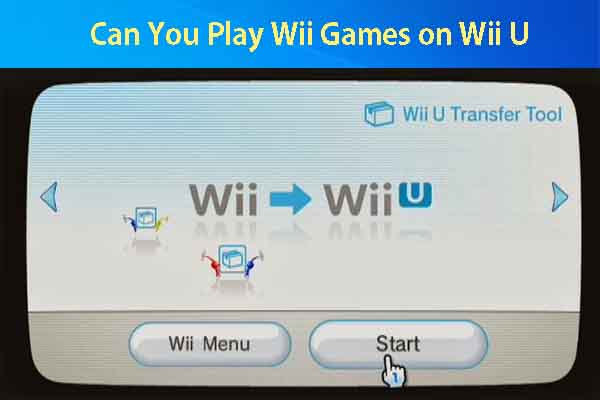


Wii Games On Wii U Homebrew Online Can You Play Wii Games On Wii U Thumbnail . Play Wii Games On Wii U Nacon Wii Wii U.webp. Wii U Games You Can Play On The Gamepad At Virginia Corns Blog . How To Play Wii U Games On Wii Online . How To Play Downloaded Wii Games On Wii U USB Loader GX Guide VWii


Wii U Games 2024 . Wii U Nintendo H2x1 WiiU Welcome V07 . How To Play Wii Games On The Wii U 4 Steps With Pictures Aid4170442 V4 728px Play Wii Games On The Wii U Step 2 . Wii Modding Service Best Wiiu Exclusive Games . The Wii U First Launched Eight Years Ago Today Nintendo Life Wii U.large

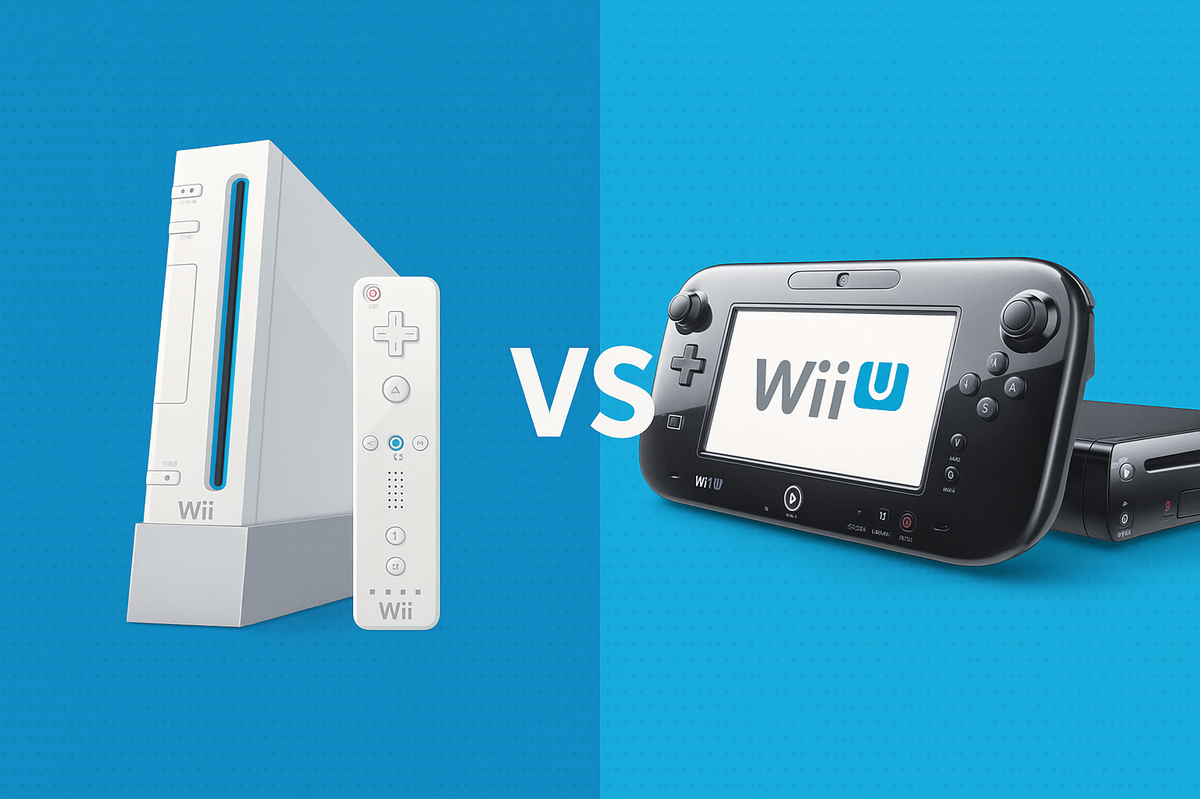
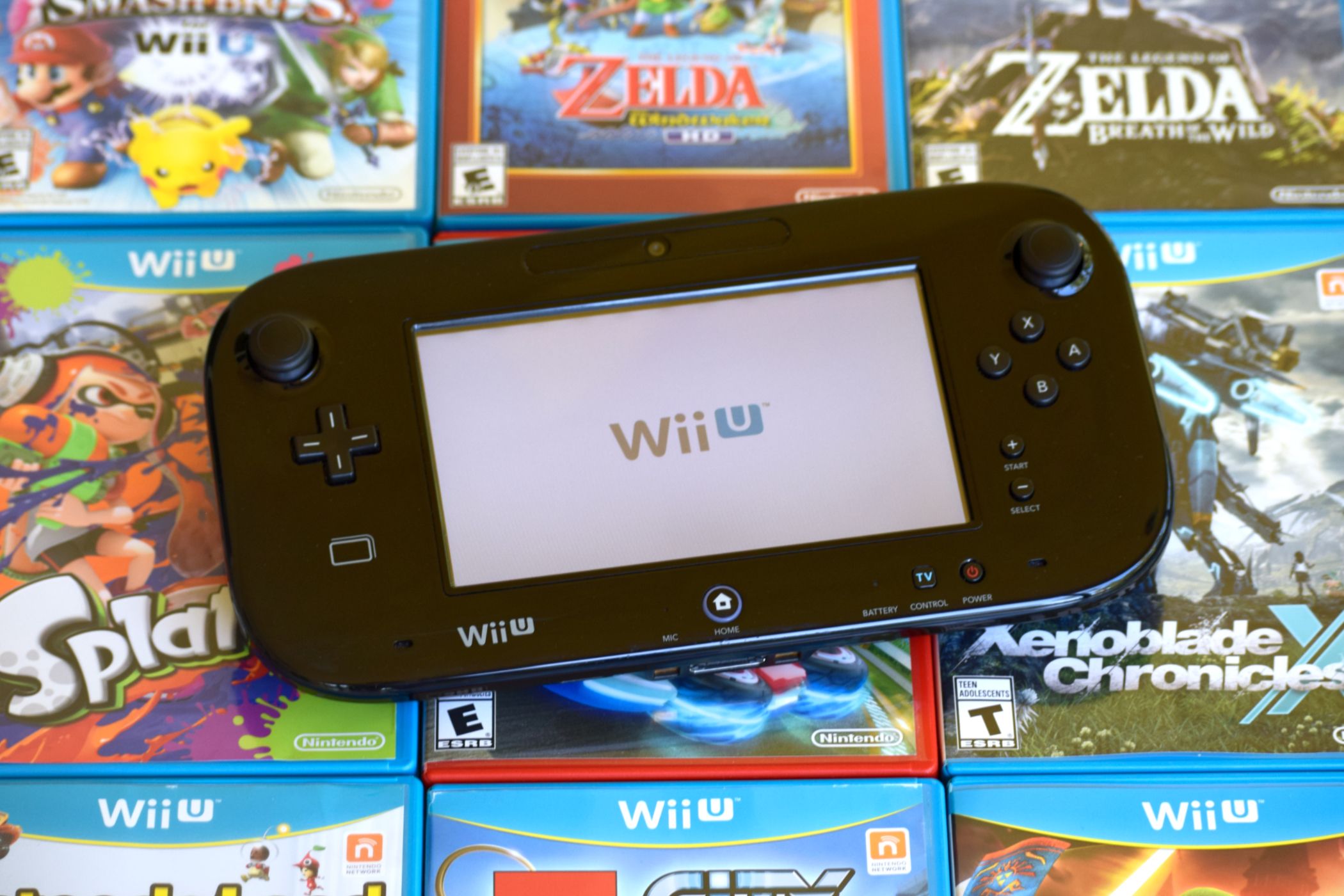
You Can T Play Wii Games On The Wii U GamePad Stuff Wii U GamePad Fail 0 . How To Play Wii Games On The Wii U 4 Steps With Pictures Aid4170442 V4 728px Play Wii Games On The Wii U Step 3 . Wii U Remote Play . Can Wii U Play Wii Games And Setup Guide Wii Vs Wii U . Wii U Games 2024 Gamepad4




Can The Wii U Play GameCube Games A Complete Expert Best Guide 2026 Can The Wii U Play Gamecube Games 6. Can The Wii U Play GameCube Games A Complete Expert Best Guide 2026 Can The Wii U Play Gamecube Games.webp. Wii U Homebrew App Store Find And Install Apps The Easy Way Bytes N Website Featured 3 480x480 . Wii U Games 2024 Wii U To Switch Ports Remaining Sep62020 . Can The Wii U Play GameCube Games A Complete Expert Best Guide 2026 Can The Wii U Play Gamecube Games 9



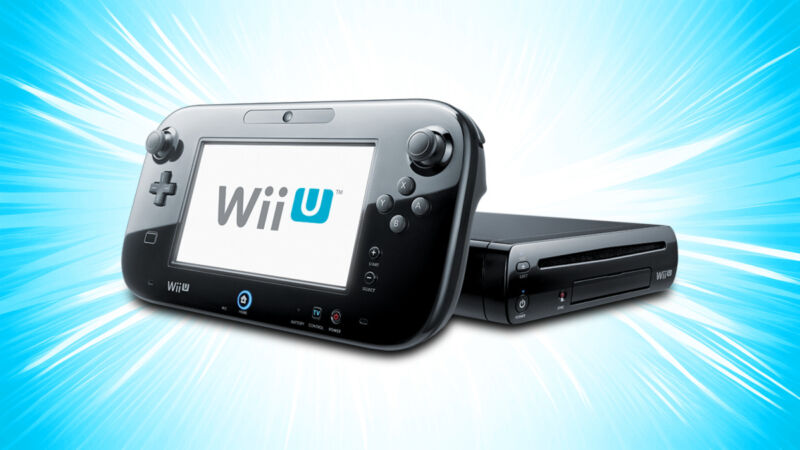
Sonic Games For Wii U RV Wii U Cover Box Mockup . Can The Wii U Play GameCube Games A Complete Expert Best Guide 2026 Can The Wii U Play Gamecube Games 7. Can You Play Regular Wii Games On A Wii U New Arrivals . Wii U Games Cheap Online S L1600 . Can Nintendo Wii U Play Wii Games Top Wii U Hero 3 800x450

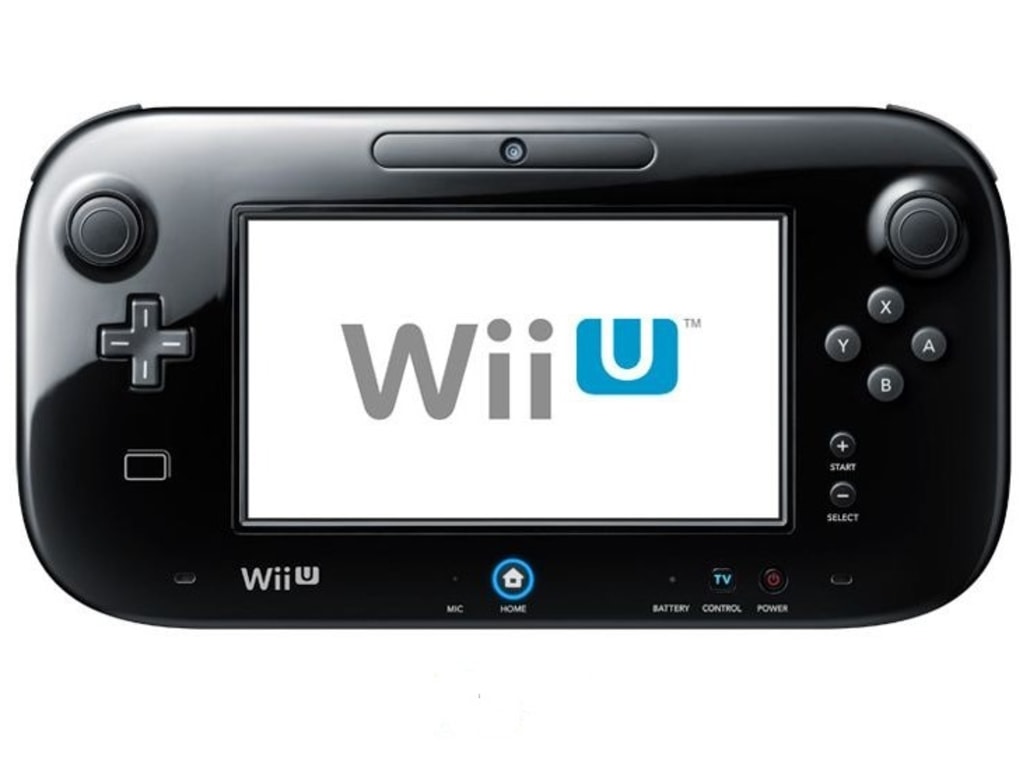
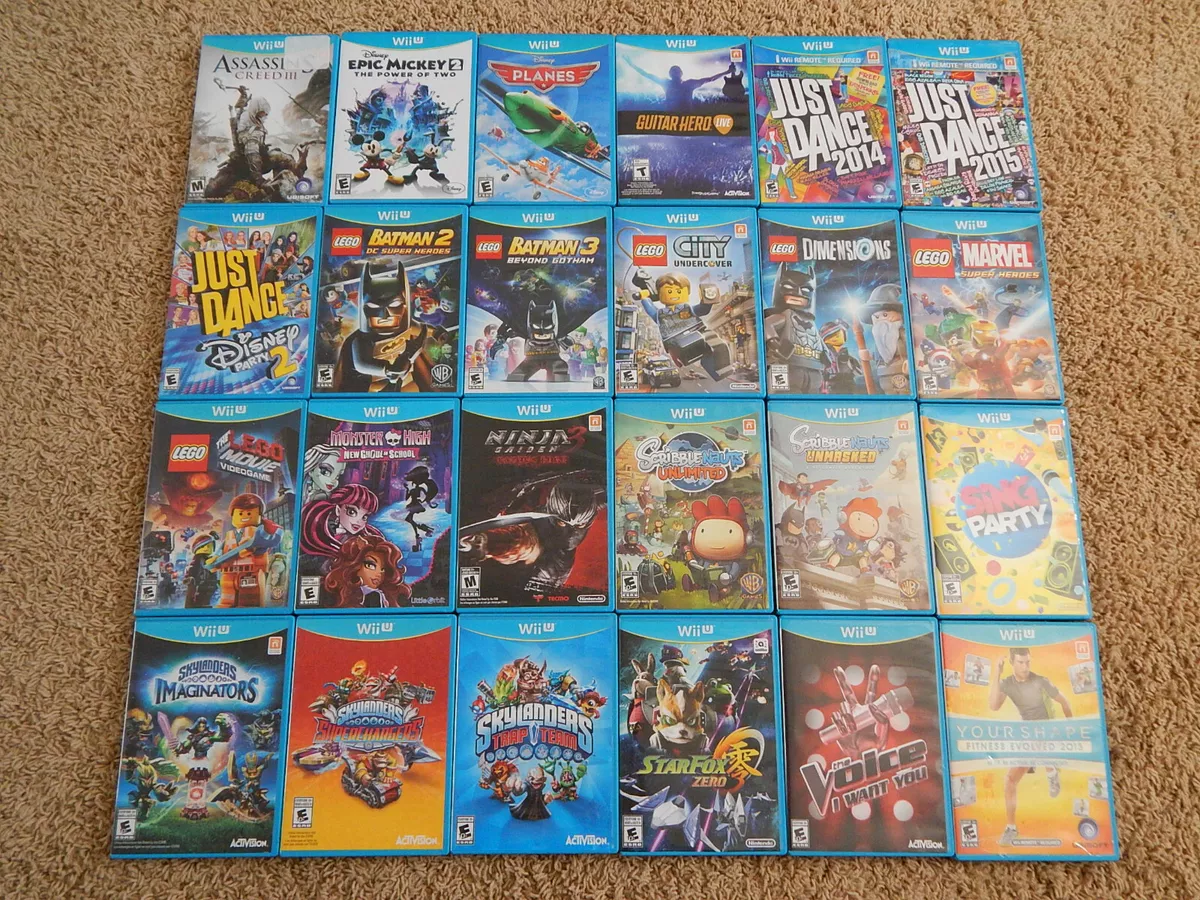


Wii U Games Coming Soon 2022 . Can You Play Wii Games On Wii U Without Wii Remote New Arrivals 541695. Can Nintendo Wii U Play Wii Games Top S L1200.webp. Can The Wii U Play GameCube Games A Complete Expert Best Guide 2026 Can The Wii U Play Gamecube Games 2. Can The Wii U Play GameCube Games A Complete Expert Best Guide 2026 Can The Wii U Play Gamecube Games 5


Why The Wii U Is AMAZING In 2026 YouTube . Wii U Games 2024 Cheap Wii U Cover Box Mockup . Wii Games On Switch Reddit At Amanda Moretz Blog . Wii U Games Australia At Sherlyn Weyer Blog . Will GameCube Games Play On Wii The Best Guide Every Will Gamecube Games Play On Wii