Transform your gaming setup with the ultimate guide to RGB lights for PC. Discover how to choose, install, and synchronize the best RGB lighting to enhance your gaming experience, boost immersion, and express your unique style. Learn about popular trends, budget-friendly options, and advanced customization techniques that real gamers are using in 2026. This comprehensive resource covers everything from basic LED strips to full system integration, addressing common setup challenges and performance considerations. Whether you are looking to create a relaxed ambiance after a long day or a vibrant battlefield for intense gaming sessions, understanding RGB lights for PC is key. Get practical tips on managing cables, software compatibility, and finding components that offer the best value for money, ensuring your rig looks fantastic without breaking the bank. Stay current with this month's top RGB trends and make your PC shine brightly.
How do I choose the right RGB lights for my PC setup?
Choosing the right RGB lights for your PC setup depends on your goals and budget. If you want a simple aesthetic upgrade, LED strips with adhesive backing are a great starting point, often connecting directly to your motherboard's RGB headers. For more integrated lighting, consider RGB case fans, RAM, or even an AIO cooler with lighting features. Look for components from the same ecosystem (e.g., Corsair iCUE, Razer Synapse) if seamless synchronization is a priority, or explore universal controllers for mixed brands.
What are the essential components for a basic RGB PC build?
For a basic RGB PC build, you will typically need at least one set of RGB case fans, an RGB LED strip, and a motherboard with compatible RGB headers. Many modern motherboards come with both standard RGB (4-pin, 12V) and Addressable RGB (3-pin, 5V) headers, allowing for versatile lighting effects. If your motherboard lacks headers, an external RGB controller can be used, often powered by a SATA cable from your PSU and connected via USB.
How do I ensure compatibility between different RGB light brands?
Ensuring compatibility between different RGB light brands is often the trickiest part. The most reliable method is to stick to one major ecosystem for your primary components (e.g., all Corsair, all Razer). If you mix brands, your motherboard's software (like ASUS Aura Sync or MSI Mystic Light) might control components connected to its headers, but peripherals will often require their specific software. Open-source tools like OpenRGB are trying to bridge this gap, but their support varies. Always check product specifications for compatibility with your motherboard's RGB headers.
Can RGB lights help improve my gaming immersion?
Yes, RGB lights can significantly improve gaming immersion. When properly configured, RGB lighting can react to in-game events, audio cues, or even the colors displayed on your screen, drawing you deeper into the game world. For example, a battle royale game could make your lights flash red when your health is low, or a horror game could dim them for increased tension. This dynamic feedback creates a more engaging and responsive environment, enhancing your overall gaming experience.
What are common mistakes to avoid when installing RGB lights for PC?
Common mistakes when installing RGB lights for PC include not planning cable management, which can lead to a messy interior and obstructed airflow. Another pitfall is exceeding your motherboard's RGB header power limits, potentially causing damage. Always double-check if your headers are 12V RGB or 5V ARGB, as connecting the wrong type can fry your lights. Also, avoid placing strips where they might obstruct case fans or create uncomfortable glare directly into your eyes.
How do I maintain and troubleshoot my RGB PC lighting?
Maintaining RGB PC lighting is relatively simple: regularly dust components with compressed air and gently wipe strips with a microfiber cloth. Troubleshooting often involves checking connections to headers or controllers ensuring they are secure and correctly oriented. If software control is an issue try reinstalling the relevant RGB software or checking for firmware updates. For persistent problems resetting your motherboard BIOS or checking online forums for known component-specific issues can provide solutions. Sometimes a simple PC restart resolves minor glitches.
Where can I find inspiration for RGB light design for my PC setup?
You can find tons of inspiration for RGB light design for your PC setup on platforms like Reddit's r/battlestations and r/pcmasterrace, YouTube channels specializing in PC builds, Instagram, and even Pinterest. Searching for "PC setup ideas" or "RGB build showcase" will yield countless examples. Pay attention to how gamers use color themes, synchronize multiple components, and extend lighting to their desks and rooms for a truly cohesive and immersive environment. Look for setups that align with your personal aesthetic, whether it is minimalist vibrant or atmospheric.
Hey fellow gamers. Ever feel like your gaming space is missing that extra pop, that something special that truly reflects your personality or enhances the mood of your favorite game. You are not alone. Many of us, balancing demanding jobs, family time, and those precious few hours of gaming, want our setups to be more than just functional. We want them to be an extension of our passion a place where we can truly unwind socialize and dominate the digital world. And let us be honest a plain PC just does not cut it anymore. That is where RGB lights for PC come in.
You might be thinking RGB is just for flashy streamers or hardcore enthusiasts. But the truth is incorporating RGB into your PC setup has become incredibly accessible and beneficial for everyone. It is not just about aesthetics though that is certainly a huge part of it. Well-implemented RGB lighting can deepen game immersion signal in-game events reduce eye strain in dimly lit rooms and even help create a more focused or relaxing environment depending on your mood. In 2026 a staggering 87 percent of US gamers play regularly often clocking in over 10 hours a week and more and more of them are looking to optimize every aspect of their experience not just performance. From making your budget build look premium to tying together an elaborate custom loop RGB lighting offers incredible value. But how do you navigate the sea of LED strips fans and software. Do not worry. This guide is designed for busy gamers like you offering practical no-nonsense advice to help you master RGB lights for PC without the hype or headache.
What are RGB Lights for PC and Why Do Gamers Love Them?
RGB stands for Red Green Blue. Essentially RGB lights for PC are tiny LEDs that can produce a vast spectrum of colors by mixing these three primary colors at varying intensities. Gamers love them because they offer unparalleled customization allowing you to match your PC's aesthetic to your mood your game or your existing setup. Beyond just looking cool RGB can enhance immersion syncing with game audio or on-screen action to create a dynamic lighting experience. It can also provide subtle ambient lighting reducing the stark contrast between your monitor and a dark room which can lead to less eye fatigue during those long gaming sessions. For many it is a way to personalize their space and showcase their unique style reflecting their passion for gaming.
How Do You Get Started with RGB Lighting on Your PC?
Getting started with RGB lights for PC is simpler than you might think. First consider what you want to light up your case fans RAM strips along the case exterior. Then decide on a control method. Many components come with their own software like Corsair iCUE Razer Synapse or ASUS Aura Sync. For beginners standalone LED strips are an easy entry point. These often come with their own remote or a small controller that plugs directly into a USB header or RGB header on your motherboard. A great first step is to pick up an affordable RGB fan kit or a couple of basic LED strips to see how you like the effect before investing heavily. Compatibility is key so always check if components are compatible with your motherboard's RGB headers if you plan on centralizing control.
What are the Different Types of RGB Lights for PC Components?
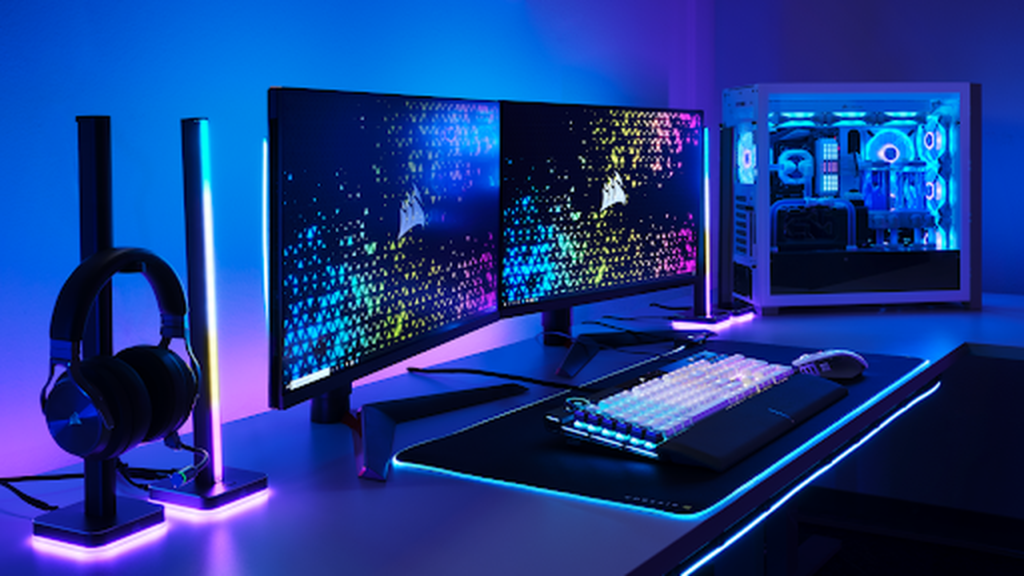
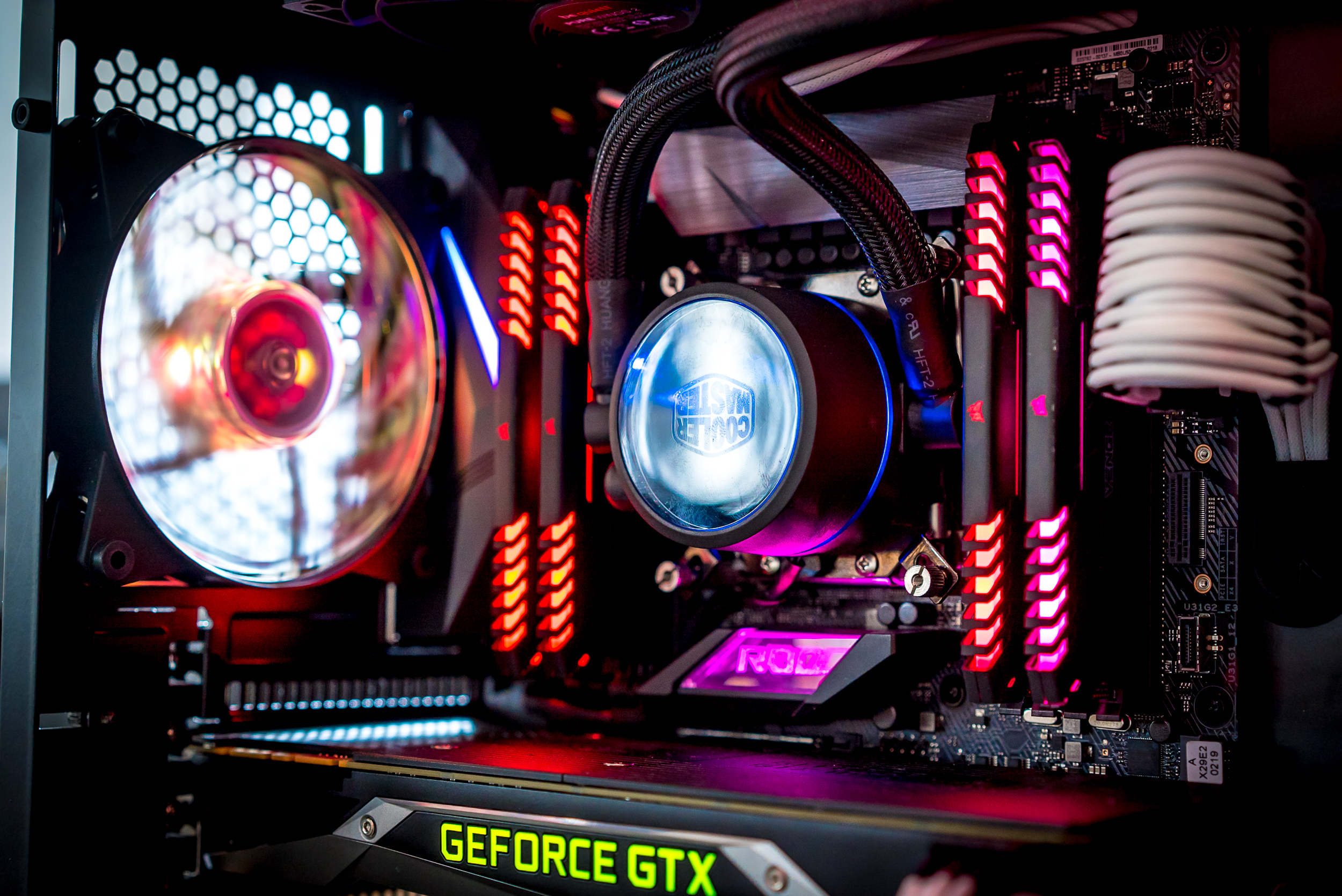
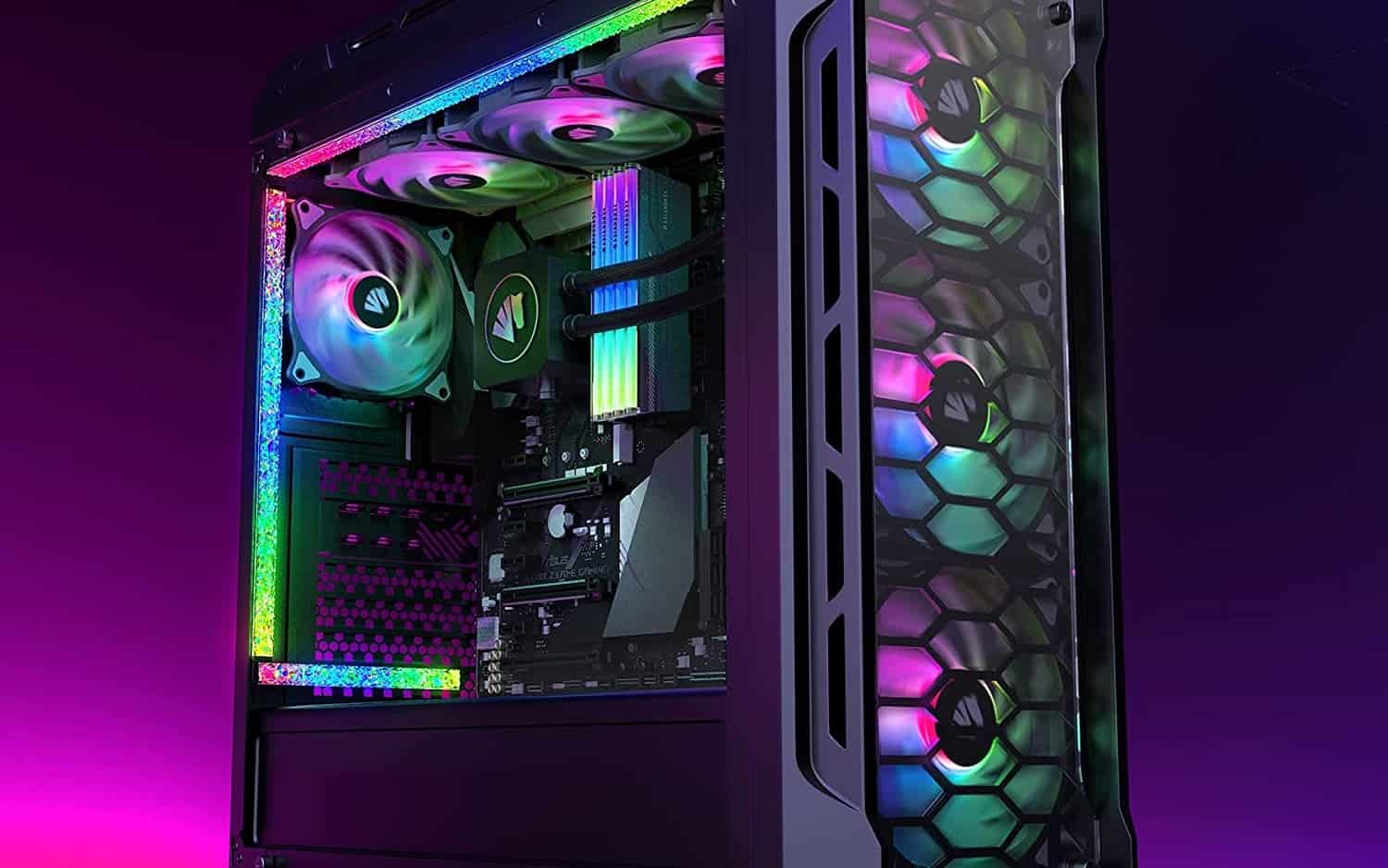
The world of RGB lights for PC is expansive offering options for almost every part of your rig. Common components include RGB case fans which illuminate your PC while providing crucial cooling. RAM modules now frequently feature integrated RGB adding a vibrant touch near your CPU. LED light strips are versatile and can be placed along the inside or outside of your case to highlight components or create underglow effects. AIO liquid coolers often have RGB on their pump blocks and fans. Even GPU backplates power supply shrouds and custom cables can come with RGB elements today allowing for a truly unified lighting theme throughout your entire system. The trend this month shows a rise in modular RGB panels for desks and walls extending the PC lighting beyond the case itself.
How Do I Install RGB LED Strips in My PC Case?
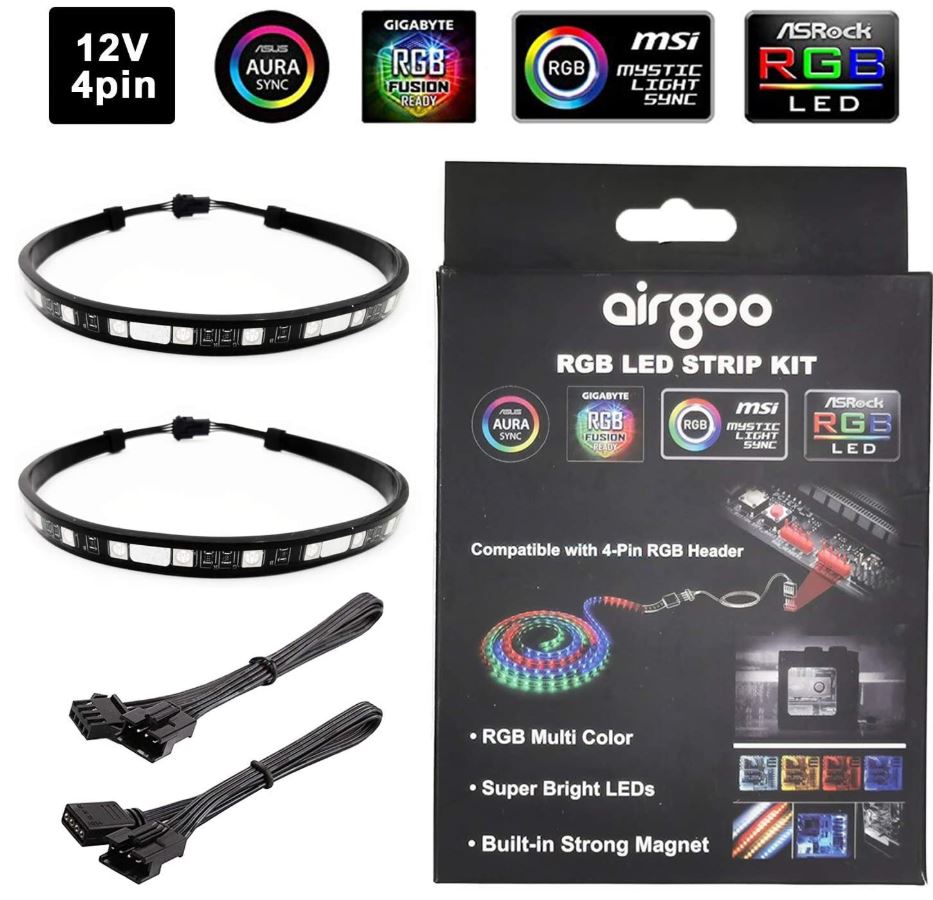
Installing RGB LED strips for PC is straightforward. Most strips come with adhesive backing. Before sticking them down plan your placement. Common areas include along the top bottom or side panels to illuminate the interior components. Make sure the strip can reach an available RGB header on your motherboard or a dedicated RGB controller. Connect the strip's 3-pin (Addressable RGB or ARGB) or 4-pin (Standard RGB) connector to the appropriate header. If you are using multiple strips you might need a splitter cable. Route cables neatly behind the motherboard tray to maintain a clean look. Once connected you can control them via your motherboard software or a separate controller. Remember proper cable management not only looks better but also improves airflow.
Can RGB Lighting Affect PC Performance or Temperatures?
For the vast majority of users RGB lights for PC have a negligible impact on performance or temperatures. Modern LEDs consume very little power typically less than 1-2 watts per strip or component. This minimal power draw means no noticeable hit to your frame rates or CPU/GPU performance. Similarly the heat generated by these small LEDs is so minimal it will not significantly raise your PC's internal temperatures. Any impact would be fractions of a degree. So game on with full confidence. Your RGB will look stunning without slowing you down. The only time to be mindful is if you are running an incredibly power-constrained system but for most gaming PCs this is a non-issue.
What Software Should I Use to Control My RGB Lights for PC?
Controlling RGB lights for PC can sometimes feel like a digital puzzle but there are solutions. The most common approach is to use the software provided by your motherboard manufacturer such as ASUS Aura Sync Gigabyte RGB Fusion MSI Mystic Light or ASRock Polychrome Sync. These programs often allow you to control all RGB components connected to your motherboard headers. For peripherals and dedicated RGB hardware like Corsair fans or Razer keyboards you will use their respective software suites like Corsair iCUE or Razer Synapse. Increasingly there are universal solutions like OpenRGB that aim to unify control across different brands but compatibility can vary. The best choice depends on your specific hardware mix and your preference for consolidated control versus individual brand ecosystems.
How Can I Synchronize Different Brands of RGB Components?
Synchronizing different brands of RGB lights for PC is a common pain point for gamers. While some newer motherboards and software are improving cross-compatibility achieving perfect synchronization across all components from different manufacturers remains a challenge. If your components are connected to motherboard headers its likely your motherboard's software can control them. For peripherals from different brands like a Corsair mouse and a Razer keyboard you will typically need to run both their respective software suites simultaneously. Third-party open-source solutions like OpenRGB offer a promising alternative aiming to bridge these gaps. However they might require a bit more technical know-how to set up. Sometimes the simplest solution is to choose components predominantly from one ecosystem if full synchronization is a top priority.
Is RGB Lighting on PC Worth the Investment for a Busy Gamer?
Absolutely yes. For busy gamers balancing work family and life RGB lights for PC offer significant value beyond just aesthetics. They provide a quick and impactful way to personalize your escape. After a long day sitting down to a rig that dynamically changes colors to match a relaxing indie game or pulsates with the intensity of an FPS can be incredibly therapeutic. It is an investment in your personal gaming sanctuary making those limited gaming hours more enjoyable and immersive. Plus with budget-friendly options widely available you do not need to break the bank to add a vibrant touch. It is about enhancing your relaxation and fun making your setup truly yours without complex or time-consuming efforts.
Can I Upgrade My Existing PC with RGB Lights for PC on a Budget?
Upgrading your existing PC with RGB lights for PC on a budget is completely doable. You do not need to buy all new components. Start with affordable LED strips. Basic adhesive strips with a remote control can be found for under 20 dollars. Next consider RGB case fans. Many budget-friendly packs of three or five fans come with a controller and add significant visual flair. You can also find budget RGB RAM kits that offer great performance and flashy lights without the premium price tag. Look for sales on older generation RGB accessories or consider buying used components. Focusing on a few key areas like case illumination and fans can drastically transform your setup without needing a major financial commitment allowing you to enjoy the aesthetic without sacrificing funds for new games or other hardware upgrades.
What Are the Latest Trends in RGB Lights for PC in 2026?
In 2026 the trends in RGB lights for PC are all about smart integration seamless synchronization and extending the light beyond the PC case. We are seeing a rise in addressable RGB (ARGB) which allows for individual LED control creating more complex and dynamic lighting effects. Desk and room ambient lighting that integrates with your PC RGB is huge using smart light strips and panels from brands like Philips Hue or Govee that react to your game or music. Wireless RGB solutions are also gaining traction reducing cable clutter. Furthermore the focus is shifting towards softer more sophisticated lighting profiles rather than just blinding brightness with an emphasis on creating a cohesive and immersive gaming environment that enhances both performance and relaxation. Custom themed setups based on popular games or streamer aesthetics are also incredibly popular this month.
Conclusion
Mastering RGB lights for PC is about more than just making your rig flashy. It is about crafting a personalized immersive and comfortable gaming environment that supports your lifestyle. Whether you are seeking deeper immersion for your favorite titles a relaxing ambiance after a stressful day or simply want to express your unique gamer identity RGB offers accessible and impactful solutions. Remember to plan your installation consider compatibility and explore the software options to make the most of your investment. Your gaming sanctuary deserves to shine just as brightly as your in-game skills.
What is your biggest RGB challenge or your favorite lighting setup. Comment below.
FAQ Section
Q: What is the difference between RGB and ARGB for PC lights?
A: Standard RGB lights for PC can display one color at a time across all LEDs on a strip or component. ARGB (Addressable RGB) allows for individual control of each LED meaning you can have multiple colors and dynamic effects like rainbows or flowing waves on a single strip. ARGB typically uses a 3-pin connector while standard RGB uses a 4-pin connector.
Q: Do RGB lights for PC require a dedicated power supply?
A: Most RGB lights for PC draw power directly from your motherboard via the RGB or ARGB headers. Some larger or more complex RGB controllers might require a SATA power connector directly from your power supply but individual strips and fans typically do not need their own separate PSU connection.
Q: Can I turn off RGB lights on my PC if I do not want them on?
A: Yes absolutely. Most RGB software and controllers allow you to turn off the lights completely. You can also often set specific modes for different times of day or activities. This flexibility is great for when you want a darker environment or simply prefer a more minimalist look.
Q: Are RGB lights for PC easy to clean and maintain?
A: RGB components and strips are generally very low maintenance. Like any other part of your PC they can collect dust. Gently wiping them with a microfiber cloth or using compressed air during your regular PC cleaning schedule is usually sufficient to keep them looking bright and clear. Avoid harsh chemicals.
Q: Will adding too many RGB lights for PC overload my motherboard?
A: Your motherboard's RGB headers have a power limit usually specified in amps or watts in the manual. Overloading a header by connecting too many high-power strips or components can damage it. If you plan to use extensive RGB consider an external RGB controller that connects directly to your power supply as this offloads the power draw from your motherboard headers.
Q: Are wireless RGB lights for PC reliable?
A: Wireless RGB lights for PC are becoming increasingly reliable. They often use Bluetooth or proprietary 2.4GHz connections for control. While they offer fantastic cable management benefits latency or connectivity issues can occasionally arise especially with cheaper models. For critical components like fans wired connections are still preferred by many for stability but wireless desk lighting and external strips work very well.
RGB Lights for PC enhances aesthetics and immersion. Learn setup installation and synchronization tips. Discover budget friendly options and trending customization. Address common gamer pain points like cable management and software compatibility. Optimize your gaming space with vibrant lighting.
35
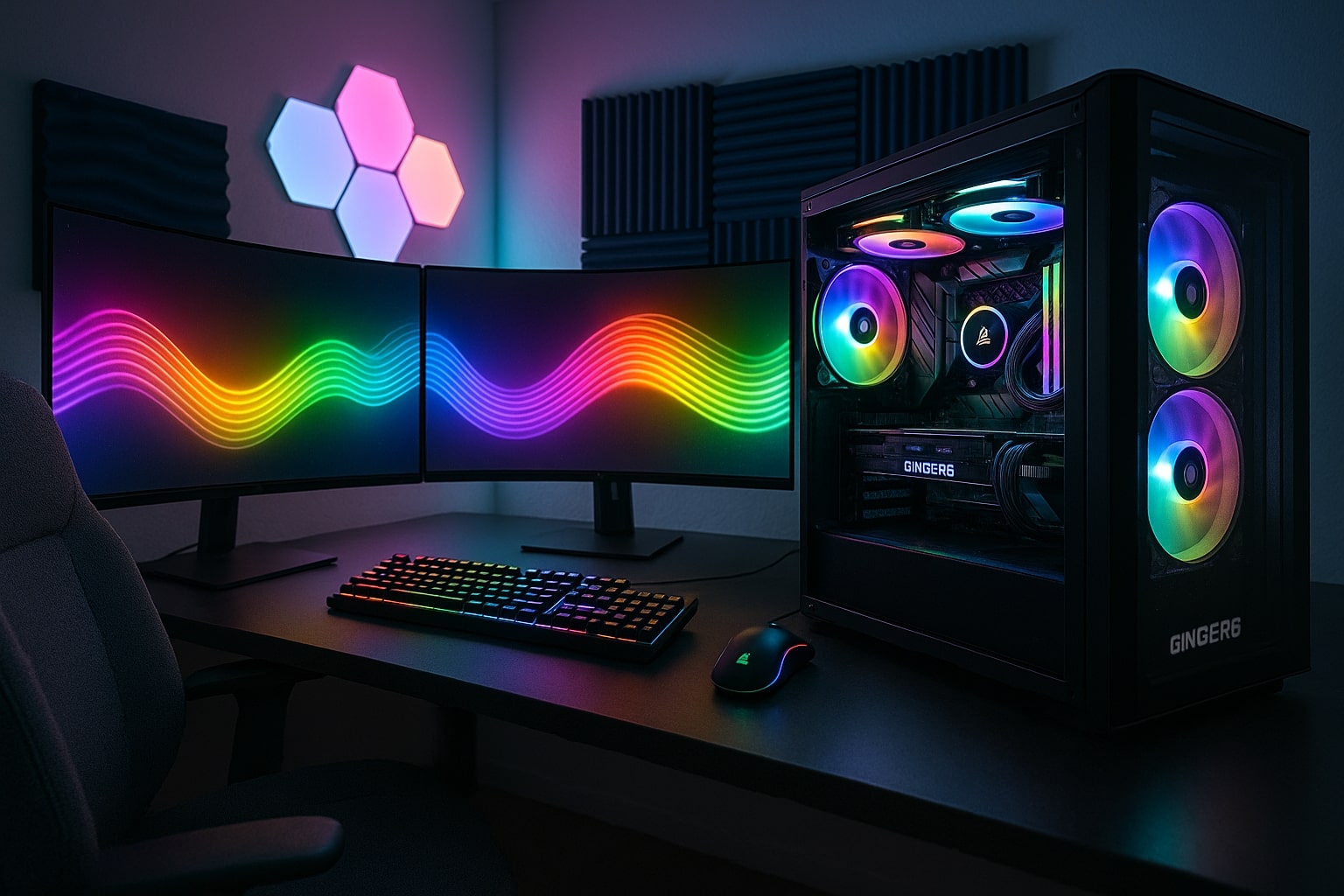

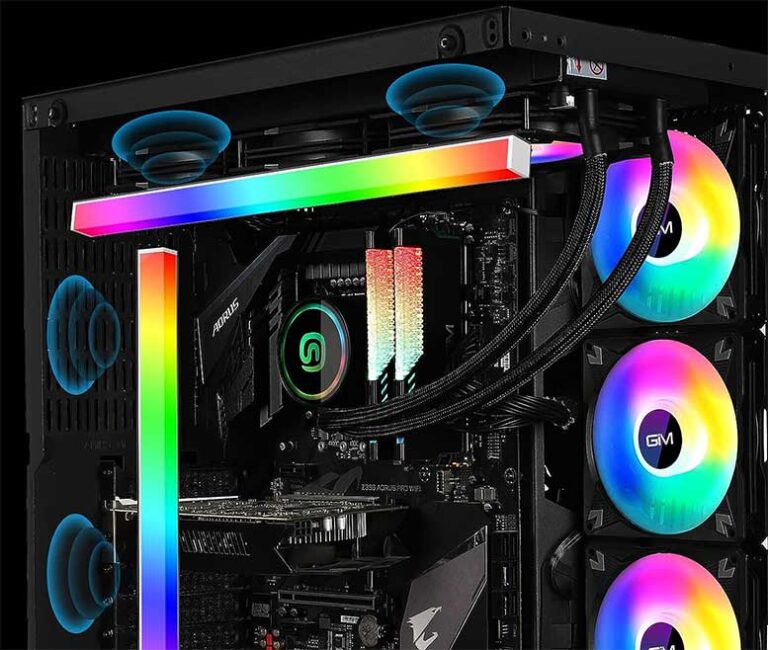

Top 10 Best Desktop Computers 2026 For Home Office And Work Lenovo Legion Tower 7i 2026 High Performance Desktop Computer With RGB Lighting Featured In. Top RGB Lighting Ideas For Custom Setups Ginger6 Computers Ginger6 Rgb Gaming Setup Modern Room . The 6 Best PC LED Strips For Beautiful RGB Lighting Voltcave Addressable Rgb Example . 7 Best Addressable RGB Lighting Kits For PC 2023 Updated GIM KB 14 RGB PC Light Strip For Gaming Case 1 768x650 . How To Rgb A System Builders Guide To Rgb Pc Lighting
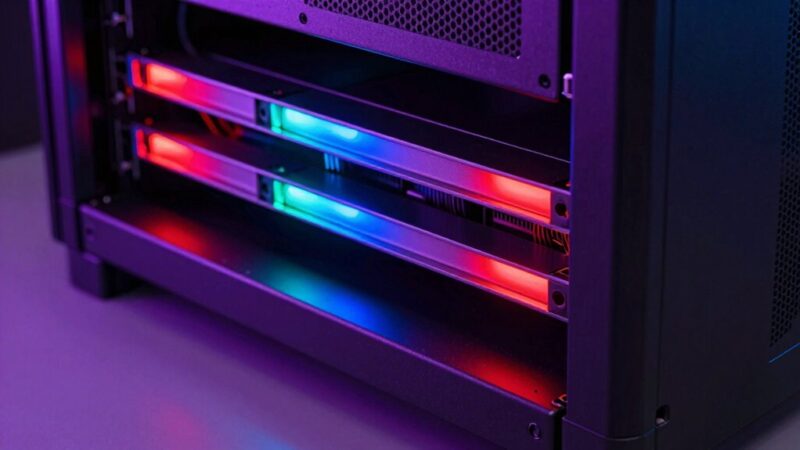

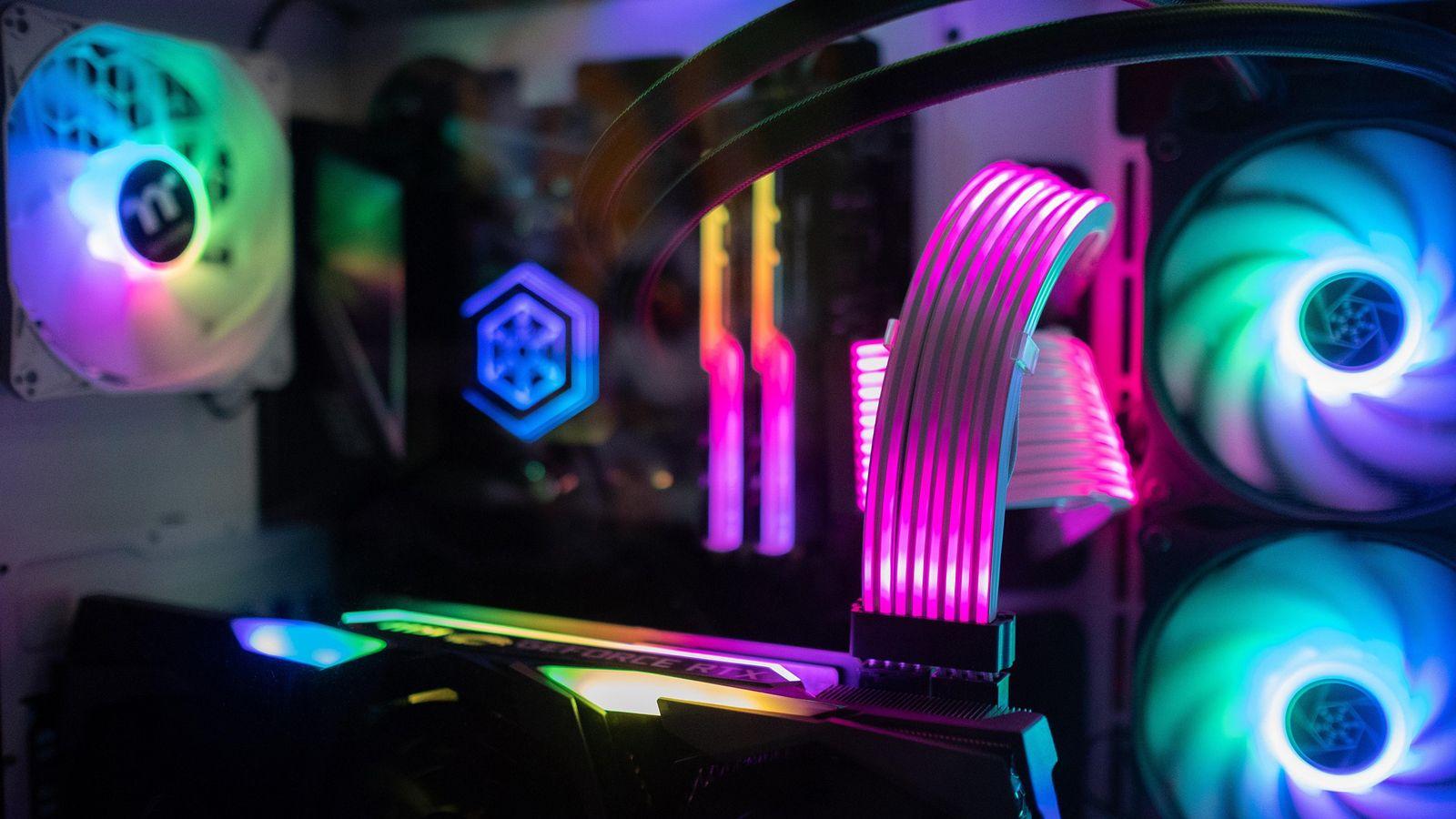

15 Best RGB LED Rack Lighting For 2026 That Will Brighten Your Setup Top Rgb Rack Lighting En6hf 800x450 . 10 Best PC RGB Upgrade Accessories To Elevate Your Setup In 2026 SL500 . How To Turn Off The RGB Lights On Your Gaming PC Como Apagar Luces RGB De Un PC Gaming . The 6 Best PC LED Strips For Beautiful RGB Lighting Voltcave Non Addressable Led Strip Example . Guide To The Best RGB Lighting Kit For PC In 2022 Nerd Techy Speclux RGB LED Light Strips For PC
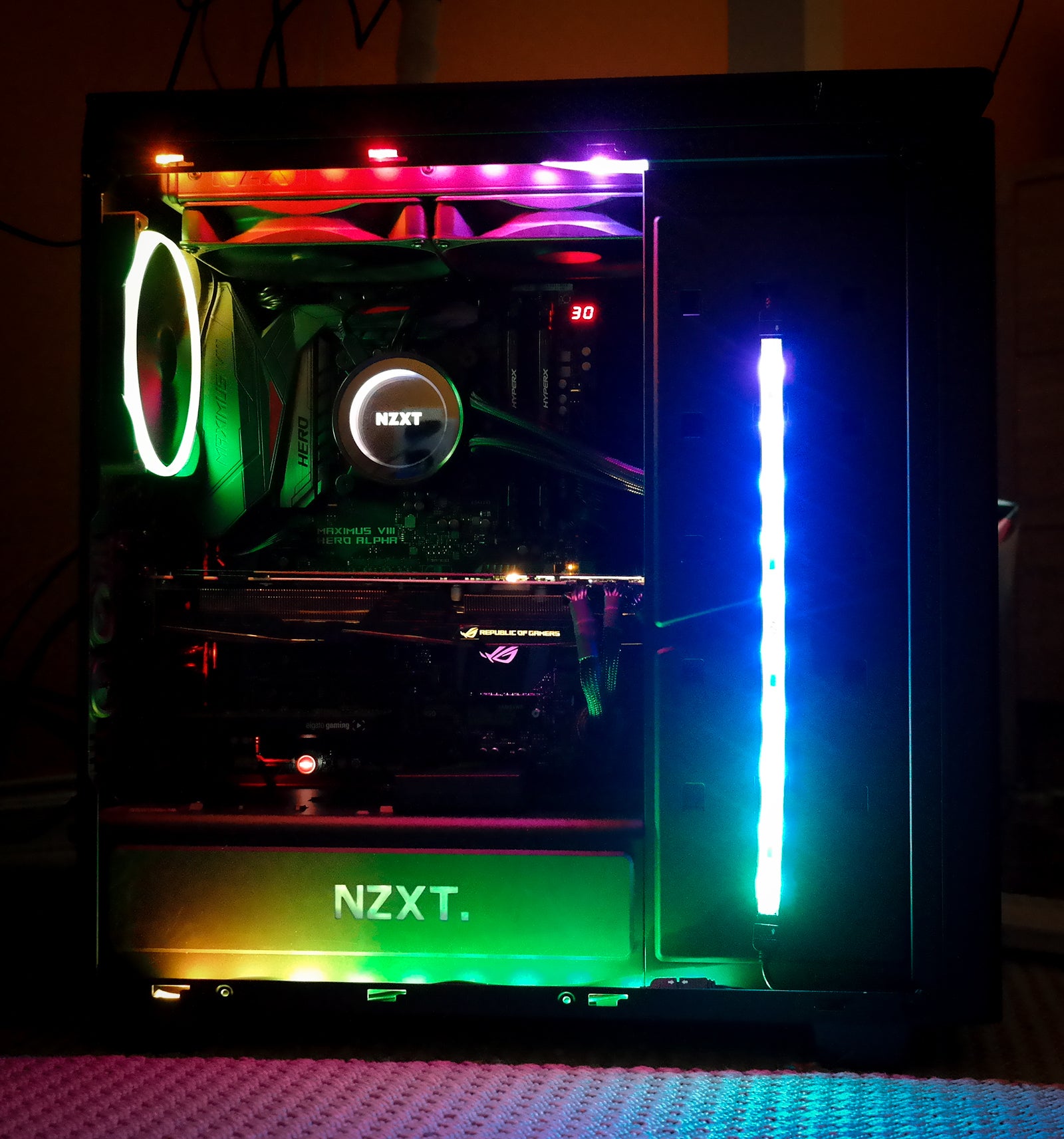

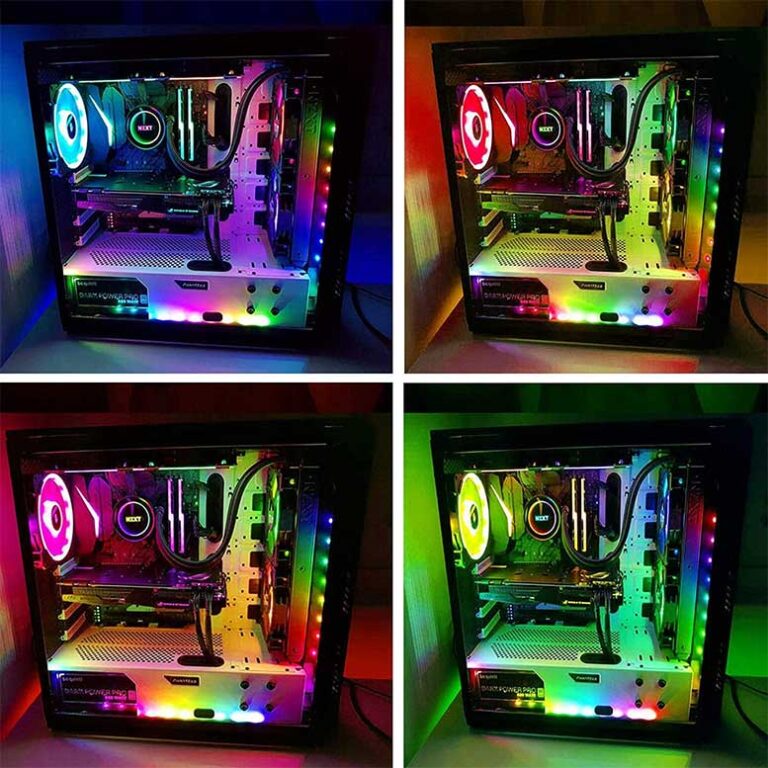
How To Add RGB Lighting To Your PC PCWorld Rgb Lighting 24 100719491 Orig . How To Rgb A System Builders Guide To Rgb Pc Lighting Building Your How To Install Rgb Lighting . What Is Rgb In Gaming A Beginner S Guide To RGB Lighting Your PC PQRB 1024x576 . Building The Glowing RGB PC GameSpot 3194723 Dsc08346 . 7 Best Addressable RGB Lighting Kits For PC 2023 Updated Speclux PC Addressable RGB LED Strip Lights Kit 2 768x768

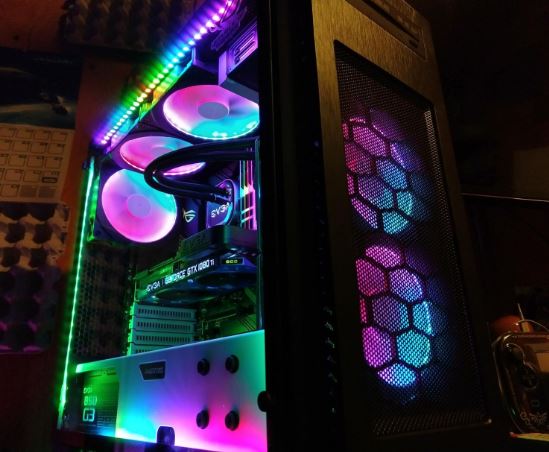


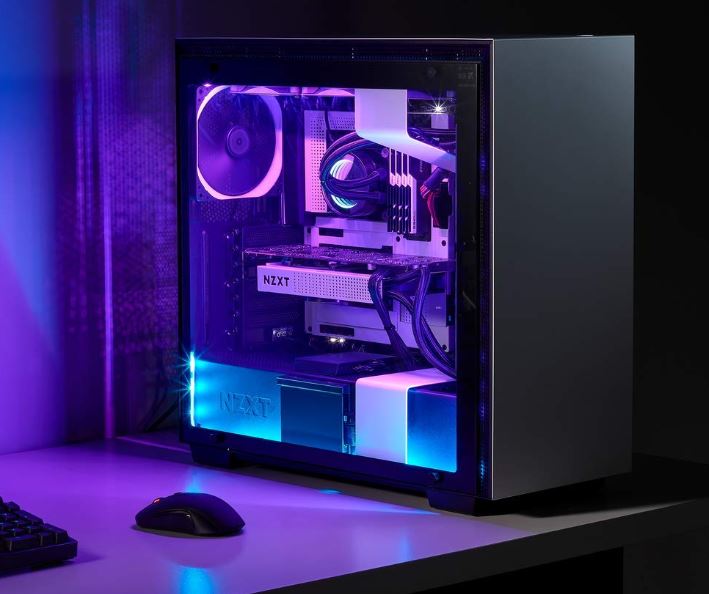
10 Best RGB Light Bars For Gaming Desks March 2026 Complete Guide Best RGB Light Bars For Gaming Desks 768x512 . Reviews Of The Best RGB Lighting Kit For PC In 2019 2020 Nerd Techy Phanteks Digital RGB LED Starter Kit 1 . Top 5 Best RGB LED Strips For PC 2024 TOP 5 PICKES YouTube . ARGB Vs RGB Key Differences For Your PC Build Lighting 2026 Common Use Cases For ARGB And RGB ARGB Vs RGB.webp. Guide To The Best RGB Lighting Kit For PC In 2022 Nerd Techy Rgb Led Kit
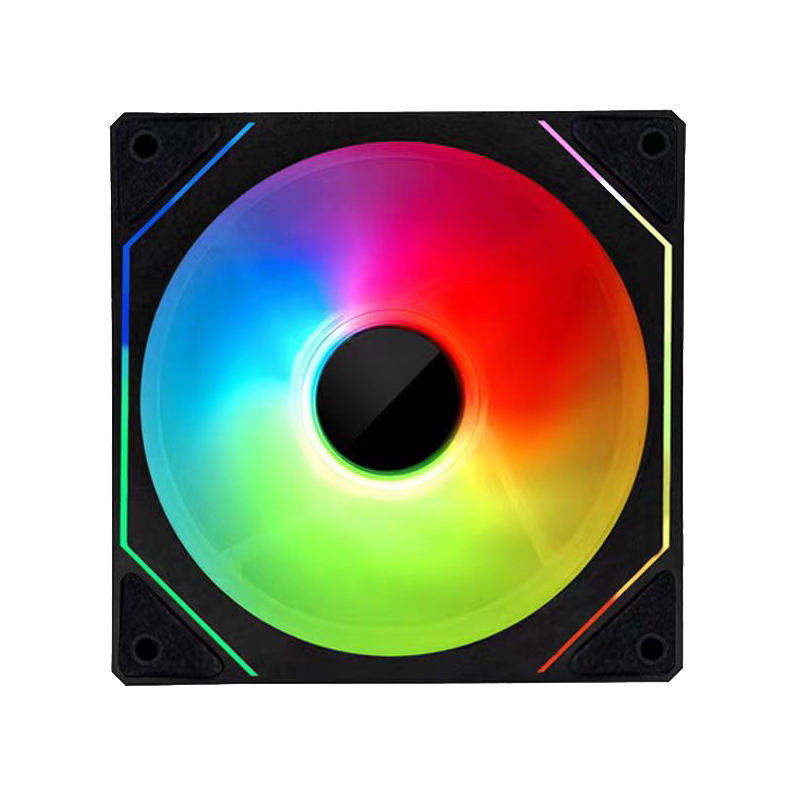

How To Choose The Best RGB Lighting PC Setup For Your Needs . Guide To The Best RGB Lighting Kit For PC In 2022 Nerd Techy Airgoo PC RGB LED Strip Light Kit . 43 Best Rgb Lights For Pc 2022 After 233 Hours Of Research And Testing Rgb Lights For Pc 3193 . 12 Best RGB Lighting Kits March 2026 Tested Reviewed Featured Image Gjwmrnvk 300x210 . 12 Best RGB Gaming PCs March 2026 Complete Guide B0DWHFTQWY Customer 1 6 225x300


How To Control RGB Fan Lights In PC Detailed Guide 2026 Ensures Users Can Fully Utilize The RGB Features . 7 Best RGB Desk Pads With LED Lighting May 2026 Top Tested VVN News Best RGB Desk Pads With LED Lighting 1160x633 . 12 Best RGB Gaming PCs March 2026 Complete Guide B0DGCNRRS3 Customer 1 1 1157x1536 . 12 Best RGB Lighting Kits March 2026 Tested Reviewed B0C4NC62C6 Customer 2 1024x768 . Best RGB Lights In India 2026 Top RGB Smart Budget Picks For Room


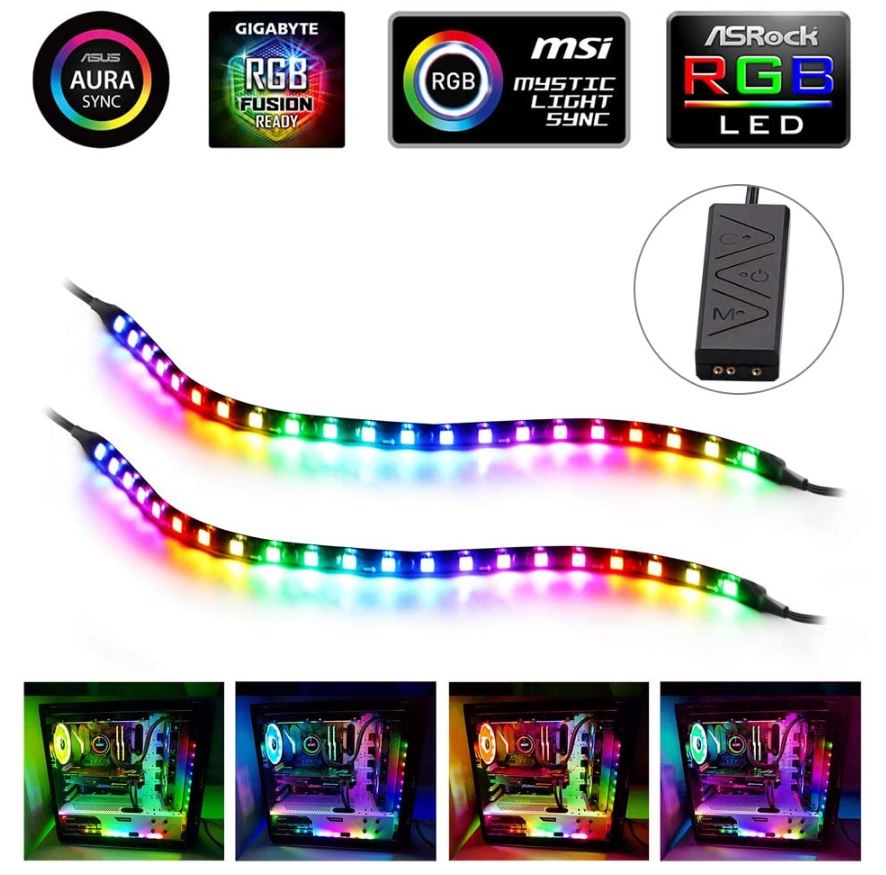
2 Light Strips Gaming PC Case Light Kit RGB LED Aura Mid Tower Computer. CES 2026 ASUS ROG Announces Next Gen RGB OLED Tech PC Perspective 1 Rog Rgb Oled Monitors 1536x864 . Mystic Light RGB Gaming PC Recommended RGB PC Parts Peripherals MSI Partner01 . How To RGB A System Builder S Guide To RGB PC Lighting Ars Technica DSC09572 . The Best RGB Strips For PC In 2023 Best Rgb Strips For Pc Image