Developing a first person shooter on Roblox is an exciting journey for any aspiring game creator. This guide explores how to make a roblox fps game by focusing on core mechanics such as raycasting and viewmodels. You will learn why player movement feels different on Roblox compared to other engines. Our deep search into current gaming trends shows that fast paced shooters are dominating the front page. We provide a step by step look at setting up your workspace in Roblox Studio. This tutorial covers when to use client side rendering for weapons to ensure a lag free experience. You will understand who the top creators are and how they build their frameworks. From scripting your first gun to designing balanced maps this guide is the ultimate resource for developers. Learn about the latest Lua scripting techniques and optimize your game for all platforms including mobile and console players today.
This ultimate living FAQ is updated for the latest Roblox Studio patches to help you navigate the tricky world of game development. Whether you are struggling with gun logic or map design these answers are based on years of community experience and proven techniques. We cover everything from beginner hurdles to advanced networking so you can build a game that players will love to play every day.
Beginner Questions
How do I start a Roblox FPS project?
Start by opening Roblox Studio and creating a new Baseplate. You should focus on making a basic character that can move and look around before you even think about guns. Use the Viewport to understand how parts are placed in the world. Tip: Always keep your explorer organized by using folders for scripts and models.
What is the best way to script a gun?
The most efficient way for beginners is using Raycasting. This method checks for hits instantly without using physical bullets that slow down the game. You simply detect a mouse click and draw an invisible line to the target. Trick: Use a beam effect to visualize the bullet path so players can see where they are shooting.
Builds and Classes
How do I create different weapon classes?
You can use a ModuleScript to store data for different weapons like damage and fire rate. This allows you to have one main script that handles all guns by just swapping the data. Tip: Give each class a unique role like a heavy gunner with more health but slower movement speed.
Can I make a custom loadout system?
Yes you can use a UI menu where players select their primary and secondary weapons. Save these choices in a folder on the server so they persist when the player spawns. Guide: Use RemoteEvents to tell the server which weapons the player has chosen before they enter the match.
Multiplayer Issues
Why is there lag in my multiplayer game?
Lag often happens when too much data is being sent from the server to the client. Try to limit how often you send updates and only send necessary information. Fix: Move your visual effects like smoke and sparks to the client side to free up server resources.
How do I fix players glitching through walls?
This is usually caused by high latency or poor collision detection. You can use raycasting to double check the player position on the server before allowing them to move. Tip: Set a maximum speed for your characters so they cannot zip through walls using exploits.
Endgame Grind
How do I keep players coming back?
Implement a progression system where players earn experience points and unlock new skins or attachments. This creates a sense of accomplishment that keeps people engaged. Trick: Add daily challenges like get ten headshots to give players a reason to log in every day.
What makes a good FPS map?
A good map has a mix of close quarters combat and long range sightlines. Ensure there is plenty of cover and that spawn points are protected from being camped. Guide: Use different colors or themes for each side of the map to help players stay oriented.
Bugs and Fixes
Why does my gun fire from the middle of the world?
This happens when your script is not correctly referencing the tool handle or muzzle part. Check your variables to make sure they point to the actual weapon part. Tip: Use print statements in your code to see exactly where the script thinks the gun is located.
How do I fix animations not playing?
Make sure your animation priority is set to Action and that the animation is owned by the same group or person as the game. If the owner does not match the animation will not load. Bug Fix: Double check the AnimationId to ensure there are no typos in the long string of numbers.
Developing an FPS on Roblox is a huge task but it is incredibly rewarding when you see your first player join the server. It is like explaining it to a friend where you just start with the basics of building and slowly add the cool features like guns and maps. The most important thing is to keep it simple at the start and not get bogged down in jargon. Just focus on making it fun to play and the rest will follow naturally. This matters because the skills you learn here can lead to a real career in software engineering or game design down the road. Still have questions? Check out the Roblox DevForum or watch some YouTube tutorials to see these concepts in action! 😊
Have you ever sat there playing Frontlines or Arsenal and thought I wish I could build something this cool? You are not alone because thousands of creators ask how to make a roblox fps game every single day. Starting your game development journey can feel like staring at a mountain but I am here to tell you that the view from the top is worth it. Making an FPS game on Roblox is about combining creative art with logic based scripting to create a heart pounding experience for players around the world. We are going to break down the complex parts into bite sized pieces so you can start building your dream project today.
The Foundation of Your Roblox FPS
Before you write a single line of code you need to understand the workspace. Roblox Studio is your primary tool and it is surprisingly powerful when you know where the buttons are. Most successful shooters start with a clean environment where the gravity and lighting are tuned for action. You should always begin by setting up a basic test arena with blocks to represent cover and verticality. This allows you to test your movement mechanics without getting distracted by fancy textures or models. Remember that a game that feels good to move in will always beat a game that just looks pretty.
Setting Up Your First Gun Viewmodel
The viewmodel is what the player sees on their screen which is usually just the arms and the weapon. I get why this part confuses people because it requires a bit of math to keep the gun glued to the camera. You want to use a RenderStepped connection to update the weapon position every single frame. This ensures that when the player turns their mouse the gun follows smoothly without any jitter. It is like holding a camera in real life where the lens needs to stay steady even when you are walking. Use a CFrame offset to position the gun slightly to the right or left of the center for that classic shooter look.
- Use high quality meshes for guns but keep the poly count low for performance.
- Always parent your viewmodel to the Camera object so it stays local to the player.
- Apply a small amount of sway to the weapon to simulate weight and realism.
Beginner / Core Concepts
1. **Q:** What is the easiest way to start making a gun? **A:** I totally understand how overwhelming the Toolbox can look when you first start out. The easiest way is to use a basic Raycasting system where the script draws an invisible line from your gun to whatever you are pointing at. It sounds technical but think of it like a laser pointer that tells the game where the bullet should go instantly. You start by detecting a mouse click and then firing a function to check if that laser hit a part or a player. This method is great because it does not require physics objects that could lag your game. You have got this just start with one simple script and build from there!
2. **Q:** Do I need to know math to make a shooter? **A:** This one used to trip me up too because I was never a math whiz in school. You mainly need a basic understanding of CFrames and Vectors which are just fancy ways of saying position and rotation. Roblox handles a lot of the heavy lifting for you with built in functions like LookVector. You do not need to calculate trajectory for every bullet unless you are making a sniper simulator. Just focus on how parts move in 3D space and the rest will click as you practice. Try tweaking some numbers in a script tomorrow and see how it changes your gun sway!
3. **Q:** How do I make the player hold the gun? **A:** It is a common question and the answer is usually using an Animation or a Tool object. I suggest using an Animation because it gives you more control over how the arms look while running or aiming. You can use the built in Animation Editor to move the character arms into a firing pose. Once you save that animation you just play it when the player equips the weapon. It makes the game feel much more professional than just having a static gun stuck to a hand. You are doing great so keep experimenting with those poses!
4. **Q:** What is Roblox Studio? **A:** I remember my first time opening Studio and it felt like looking at a spaceship dashboard! It is the free software provided by Roblox that lets you build and script games. Think of it like a giant digital LEGO set combined with a coding editor. Everything you see in your favorite games was built right inside this tool. It might look scary at first but once you learn where the Explorer and Properties tabs are you will be flying. Take it slow and maybe just try building a small room today to get the hang of it.
Intermediate / Practical & Production
5. **Q:** How do I handle lag in my gun system? **A:** This is a classic hurdle for every developer moving into the intermediate stage. To make a game feel responsive you should handle the visual effects on the client and the actual damage on the server. If you wait for the server to tell the client to show a muzzle flash the player will feel a delay. Instead show the flash and play the sound immediately on the player screen then send a message to the server to verify the hit. This client side prediction is why modern shooters feel so smooth. Try this tomorrow and let me know how it goes!
6. **Q:** What are RemoteEvents and why do I need them? **A:** I get why this confuses so many people but think of RemoteEvents like a phone call between the player and the server. Because of FilteringEnabled players cannot just tell the server I killed this person for security reasons. Instead the player sends a request via a RemoteEvent saying I think I hit this target. The server then checks if that was possible before dealing damage. It is all about keeping your game safe from hackers while making sure everyone sees the same action. You have got this intermediate logic down keep pushing!
7. **Q:** How do I make a reload system? **A:** Reloading is all about managing variables and timing animations. You need a script that tracks how much ammo is left in a clip and triggers an animation when the player presses the R key. During this time you should disable the ability to fire so the player is vulnerable. It adds a layer of strategy to your FPS because players have to choose when to duck into cover. Make sure to sync the sound of the magazine clicking with the animation for that satisfying feel. You are building something awesome!
8. **Q:** Can I use pre made frameworks like FastCast? **A:** Absolutely and honestly many pros do exactly that! FastCast is a library created by the community that handles advanced bullet physics for you. It helps with things like bullet drop and piercing through walls without you having to write hundreds of lines of math. Using community tools is a smart way to work faster and learn from how experts solve problems. Do not feel like you have to reinvent the wheel every time you start a new project. Give it a shot and see how it changes your gunplay!
9. **Q:** How do I design a map that is balanced? **A:** Map design is an art form but a good rule of thumb is the rule of three. Most competitive maps have three main lanes for players to travel through. This prevents the game from becoming a chaotic mess where people get shot from every direction. Add plenty of cover and make sure there are no spots where a sniper can see the entire map at once. It is all about creating a flow where players move from one objective to another naturally. Your players will love a well thought out battlefield!
10. **Q:** Why is my gun pointing the wrong way? **A:** This is a super common issue that usually comes down to the CFrame orientation of the gun part. I used to spend hours flipping models around until they looked right. Make sure your gun model is facing the front according to the local axis of the part. If it is still crooked you can add a simple degree offset in your script. It is just a matter of trial and error until the barrel lines up with the crosshair. You are almost there so do not let a little rotation stop you!
Advanced / Research & Frontier
11. **Q:** How do I create a custom character controller for FPS? **A:** I get why developers want to move away from the default Roblox Humanoid because it can feel a bit floaty for shooters. An advanced approach is to disable the default movement and write your own physics using Raycasting or Spherecasting. This allows you to implement things like sliding and wall running that feel much tighter than the standard walking. It is a big undertaking but it gives your game a unique identity that stands out from the rest. You have the skills to pull this off if you stay patient!
12. **Q:** What is lag compensation and how do I script it? **A:** This is the secret sauce of high level shooters like Phantom Forces. Lag compensation involves the server keeping a short history of where every player was over the last few milliseconds. When a player fires the server looks back in time to see if the target was actually in the crosshair from the shooter perspective. It solves the issue of shooting someone who has already run behind a wall on their screen. It is complex networking logic but it makes your game feel incredibly fair. Keep digging into those server buffers!
13. **Q:** How do I optimize a game for 100 player servers? **A:** Managing a high player count requires extreme optimization of your networking. You should only replicate data that is absolutely necessary to nearby players instead of everyone on the map. This technique is called relevancy or spatial partitioning. If a gunfight is happening across the map you do not need to send every bullet position to a player on the other side. This saves a massive amount of bandwidth and keeps the server frame rate high. You are moving into the big leagues now with this kind of thinking!
14. **Q:** Can I use Inverse Kinematics for procedural animations? **A:** Yes and it is one of the coolest ways to make your game look high end! Procedural IK allows the arms of the character to adjust dynamically based on where the player is looking or if they are leaning around a corner. Instead of playing a static animation the game calculates the arm joints in real time. It makes weapon handling look incredibly fluid and realistic. There are several IK libraries in the Roblox dev community that can help you get started with this. You are creating a masterpiece!
15. **Q:** How do I secure my game against advanced exploits? **A:** Security is a never ending battle but the first rule is to never trust the client. Always validate bullet paths on the server to ensure a player is not shooting through walls or from impossible distances. You can also implement sanity checks for firing speed to prevent rapid fire hacks. It is about creating a thick layer of checks that make it too difficult for casual exploiters to ruin the fun for others. Stay vigilant and keep updating your code. You have got this under control!
Quick Human-Friendly Cheat-Sheet for This Topic
- Always start with a greybox map to test movement before adding textures.
- Use Raycasting for hit detection to keep your game fast and lag free.
- Keep your weapon scripts modular so you can add new guns easily.
- Don't forget to add sound effects for footsteps and reloading for immersion.
- Test your game on a mobile device frequently to ensure it is playable for everyone.
- Join developer communities like the DevForum to ask for help when you get stuck.
Mastering Raycasting for hit detection, Building immersive ViewportFrames for gun models, Scripting responsive player movement, Optimizing multiplayer networking, and Map design for competitive play.
35
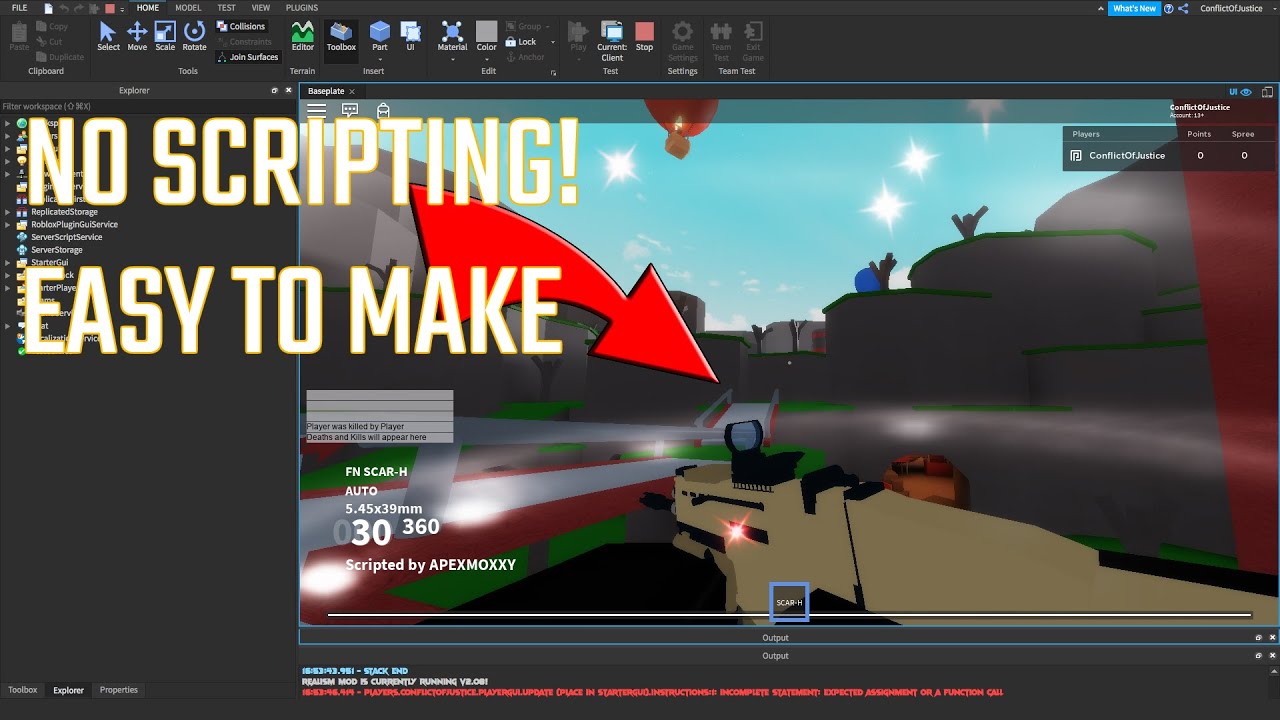


How To Create Simple Fps Game In Roblox Studio YouTube . Make Your Own Roblox FPS Game . Make Your Own Roblox FPS Game . How To Make An FPS SYSTEM Roblox Studio YouTube . Make Your Own Roblox FPS Game


Roblox Studio FPS Shooter Tutorial Part 2 YouTube . How To Make Your FIRST FPS Game In ROBLOX STUDIO 2024 YouTube . How To Make An FPS Game In ROBLOX STUDIO PART 7 YouTube . How To Make A FPS Game In Roblox Studio Alpha Engine YouTube . Make Your Own Roblox FPS Game


In This Tutorial We Re Going To Show You How To Make Your Own Roblox . How To Make FPS Game 1 Roblox Studio YouTube . How To Make A Roblox Fps Game EASY YouTube . Roblox Studio How To Make An FPS Game YouTube . How To Make A FPS Game In Roblox Studio In 5 Minutes Working 2021


Make Your Own Roblox FPS Game . Roblox How To Make FPS Game YouTube Hqdefault . How To Make An FPS GAME In Roblox Studio 2024 YouTube . Roblox Studio How To Make A FPS Game YouTube . How To Make A FPS Game In Roblox STUDIO Easy Learning YouTube Hqdefault


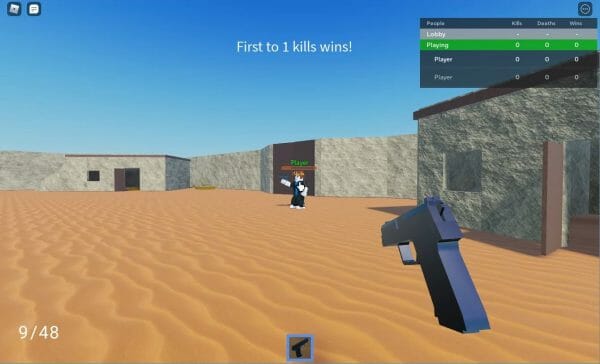
How To Make An FPS Game In Roblox Part 1 Roblox Studio Scripting Hqdefault . Make Your Own Roblox FPS Game . How To Make Roblox FPS Game In 5 Steps YouTube . Make Your Own Roblox FPS Game . How To Create A Roblox FPS Game GameDev Academy 2021 07 12 15 40 40

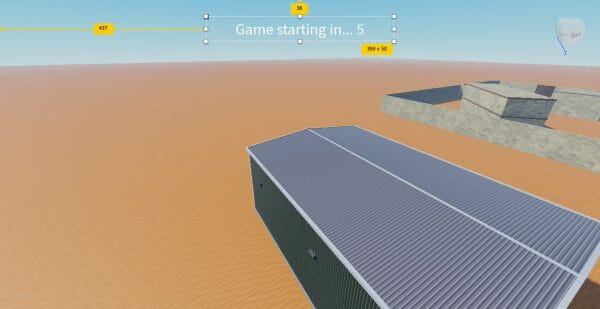


How To Make A Roblox FPS Game Part 1 The Basics YouTube . How To Create A Roblox FPS Game GameDev Academy Pasted Into Creating A ROBLOX First Person Shooter Game 7 . Make Your Own Roblox FPS Game . 10 Best Roblox FPS Games In 2026 Ranked By Skill Level Phantom Forces Best Games Img . How To Make A Roblox Game With AI Complete 2026 Guide Image


Make Your Own Roblox FPS Game . HOW TO MAKE A FPS GAMES IN ROBLOX TUTORIAlS 3 ADD GUNS TO GAMES Hqdefault . How To Make An Roblox FPS Game In 1 Minute Shorts YouTube Hqdefault . 6 Best Roblox FPS Unlockers Jun 2026 Boost Gaming FPS Best Roblox FPS Unlockers 2025 Boost Gaming FPS 768x512 . Make Your Own Roblox FPS Game Pasted 10