Is Ryzen 7 5700G good for gaming in 2026? This comprehensive guide dives deep into the capabilities of AMD's powerful APU, exploring its integrated Vega 8 graphics and 8-core, 16-thread CPU performance for today's diverse gaming landscape. For the busy gamer balancing work, family, and a desire to unwind with their favorite titles, understanding the 5700G's strengths and limitations is key. We cover everything from playing popular esports like Valorant and CS2 to enjoying more demanding AAA games at reasonable settings. Discover how this processor offers exceptional value, especially for budget-conscious builds, and learn how to optimize your system for the best possible frame rates. This article provides essential insights into performance, upgrade paths, and how the 5700G fits into a modern gaming setup, helping you make informed decisions without the hype. Get ready to game smart, not just hard.
Top 5 Questions About Ryzen 7 5700G Gaming
Is Ryzen 7 5700G good for gaming without a dedicated GPU?
Yes, the Ryzen 7 5700G is surprisingly capable for gaming without a dedicated GPU, especially for popular esports titles like Valorant, CS2, and League of Legends, as well as many indie and older AAA games. Its integrated Vega 8 graphics can deliver playable frame rates at 1080p, making it an excellent choice for budget builds or for gamers who plan to add a dedicated graphics card later. It offers a solid entry point into PC gaming without the immediate high cost of a separate GPU.
What are the performance limitations of the Ryzen 7 5700G for modern AAA games?
For modern AAA games released in 2024-2026, the Ryzen 7 5700G's integrated graphics will struggle to provide high frame rates at 1080p or higher resolutions with anything beyond low settings. You'll likely need to reduce resolution to 720p or 900p and use the lowest graphical presets to achieve a consistent 30-60 FPS. Its primary limitation is the bandwidth and processing power of the integrated Vega 8, which cannot compete with dedicated graphics cards designed for high-fidelity experiences.
How much RAM do I need for optimal gaming performance with the Ryzen 7 5700G?
For optimal gaming performance with the Ryzen 7 5700G, a minimum of 16GB of DDR4 RAM is highly recommended. Crucially, this should be configured in dual-channel mode (two 8GB sticks) and ideally run at a speed of 3600MHz with low CAS Latency (e.g., CL16). APUs share system RAM with their integrated graphics, so faster, dual-channel memory directly translates to significantly better gaming frame rates and overall system responsiveness.
Can the Ryzen 7 5700G support dual monitors for gaming and productivity?
Yes, the Ryzen 7 5700G can easily support dual monitors, making it versatile for both gaming and productivity. You can game on one monitor while having Discord, a browser, or streaming software open on the second. Its integrated Vega 8 graphics typically provide multiple display outputs (HDMI, DisplayPort) on compatible motherboards. The CPU's 8 cores and 16 threads also ensure smooth multitasking across both screens, whether you're working, studying, or unwinding with games.
Is the Ryzen 7 5700G a good value for money for a first-time PC builder?
Absolutely, the Ryzen 7 5700G represents excellent value for money for a first-time PC builder, especially if you're on a budget. By integrating capable graphics directly onto the CPU, it eliminates the need to purchase a separate, often expensive, dedicated GPU to get your system up and running. This allows new builders to save significant costs upfront while still getting a powerful 8-core CPU and the ability to play a wide range of games, with the option to easily upgrade to a dedicated GPU later.
What types of motherboards are best suited for the Ryzen 7 5700G for gaming?
For the Ryzen 7 5700G, B550 or A520 chipsets are generally the best and most cost-effective choices for gaming. A B550 motherboard offers excellent features like PCIe 4.0 support (useful if you add a dedicated GPU later), good VRMs for stable power delivery, and typically more USB ports and M.2 slots. An A520 board is a more budget-friendly option, providing the essentials without the advanced features, but still fully compatible. Look for motherboards with good RAM compatibility and sufficient video outputs for your display setup.
How does the Ryzen 7 5700G impact power consumption and heat in a gaming PC?
The Ryzen 7 5700G is quite efficient, with a default TDP (Thermal Design Power) of 65W. This means it generally consumes less power and generates less heat compared to a CPU and a dedicated GPU running separately. For gamers concerned about energy costs or who prefer quieter, cooler systems, the 5700G is advantageous. It can typically be cooled effectively with a decent stock cooler or an affordable aftermarket air cooler, without needing a high-end solution, simplifying PC building and reducing operational noise.
Life is a delicate balance, isn't it? For many of us, the joy of gaming is a crucial escape—a way to unwind after a long day, connect with friends, or even build new skills. But with busy jobs, family commitments, and an ever-evolving tech landscape, finding hardware that delivers a great experience without breaking the bank or demanding endless tweaks can feel like a quest in itself. You're not alone if you've found yourself staring at specs, wondering, "Is Ryzen 7 5700G good for gaming in 2026?" It's a common question, especially when you want solid performance without the immediate need for a costly discrete graphics card. This chip, an Accelerated Processing Unit (APU) from AMD, promises decent CPU power combined with integrated graphics, potentially offering a sweet spot for value-focused gamers.
As of this month, US gaming trends continue to show a strong push towards accessible, social, and budget-friendly options. With 87% of US gamers regularly playing, many dedicating 10+ hours a week, the demand for reliable, cost-effective systems is higher than ever. Mobile gaming still dominates in sheer numbers, but PC gaming remains a powerhouse for deeper experiences, skill-building, and social connection via platforms like Discord. This article is your no-nonsense guide, cutting through the hype to give you practical answers, optimization tips, and honest insights into whether the Ryzen 7 5700G can truly meet your gaming needs, helping you make smart hardware decisions for a balanced gaming life.
Is the Ryzen 7 5700G Good for Gaming in 2026?
Yes, the Ryzen 7 5700G is still a good option for specific gaming scenarios in 2026, primarily for budget-conscious builds or those not ready to invest in a dedicated graphics card immediately. Its integrated Vega 8 graphics allow for playable frame rates in many popular titles, especially at 1080p with optimized settings. While it won't compete with mid-to-high-end dedicated GPUs, it offers a solid foundation for esports, indie games, and even some older or less demanding AAA titles, making it an excellent starting point for a versatile PC that can handle both gaming and productivity tasks.
What Kind of Games Can I Play Smoothly on a Ryzen 7 5700G?
The Ryzen 7 5700G shines brightest with esports titles and a wide array of indie and older AAA games. Think games like Valorant, CS2, League of Legends, Dota 2, and Fortnite—you can expect comfortable frame rates at 1080p, often even at medium settings. For more visually intensive games like Grand Theft Auto V, The Witcher 3, or even some recent mainstream releases, you'll generally need to dial down settings to low or medium and might aim for 720p to maintain 30-60 FPS. Many cozy games and social multiplayer experiences, popular with adult gamers looking to relax, run beautifully on the 5700G. It's truly a chip for those who prioritize fun and value over cutting-edge graphical fidelity.
How Does the 5700G's Integrated Graphics Compare to a Dedicated GPU?
The integrated Vega 8 graphics in the Ryzen 7 5700G are comparable to very entry-level dedicated GPUs from a few generations ago, such as an NVIDIA GT 1030 or a very low-end GTX 1050. It's a significant step up from basic Intel integrated graphics but falls short of modern mid-range cards like an RTX 3050 or RX 6600. The key advantage is that it's built right into the CPU, saving you the immediate cost of a separate GPU. However, for serious gamers targeting consistent 60+ FPS at 1080p or higher resolutions in new AAA titles, a dedicated GPU is still essential. The 5700G offers a fantastic stepping stone, allowing you to build a functional PC now and add a powerful GPU later when your budget allows.
Is the Ryzen 7 5700G a Smart Choice for Budget Gamers or New Builds?
Absolutely. For budget-conscious gamers or those building their first PC, the Ryzen 7 5700G is an incredibly smart choice. It eliminates the immediate need for a dedicated graphics card, which is often the most expensive component in a gaming PC. This means you can get a fully functional, capable system up and running for less upfront cost. The money saved can be invested in other critical components like faster RAM (which greatly benefits APUs), a good SSD, or a better monitor. It's perfect for students, professionals, or parents who game to unwind and need a versatile machine that handles work and play without compromise, all while sticking to a reasonable budget. Many gamers are looking for value for money and this CPU offers exactly that.
Can the Ryzen 7 5700G Handle Modern Esports Titles and Social Games?
Yes, emphatically! This is where the Ryzen 7 5700G truly shines and aligns perfectly with current gaming trends. Modern esports titles like Valorant, CS2, Overwatch 2, and Rocket League are highly optimized and run exceptionally well on the 5700G's integrated graphics, often achieving competitive frame rates (60 FPS and above) at 1080p. Social games, whether they're popular free-to-play options like Genshin Impact or more niche titles that prioritize community, also perform admirably. For adult gamers who use gaming as a way to connect with friends via Discord and enjoy casual or competitive play, the 5700G provides a smooth and reliable experience. It's all about balancing performance with the social aspect, and the 5700G delivers on that front without breaking the bank.
What Are the Best Settings to Optimize Gaming Performance with the 5700G?
Optimizing your Ryzen 7 5700G for gaming involves a few key steps to squeeze out every bit of performance. Here’s a quick guide:
- Fast RAM is Crucial: APUs rely heavily on system RAM. Aim for 3200MHz or 3600MHz RAM with tight timings (CL16 is ideal). Ensure Dual Channel configuration (two sticks, not one) and enable XMP/DOCP in your motherboard's BIOS.
- Allocate More VRAM: In your BIOS, you can often manually allocate more system RAM to the integrated graphics (typically 2GB or 4GB). This provides a dedicated pool for the GPU, improving performance.
- Update Drivers: Always keep your AMD graphics drivers up to date. New driver releases often include performance optimizations for games.
- Adjust In-Game Settings: Lower resolutions (e.g., 720p or 900p instead of 1080p), turn down texture quality, shadows, anti-aliasing, and view distance. Experiment to find a balance between visuals and frame rate.
- Power Plan: Set your Windows Power Plan to 'High Performance' or 'AMD Ryzen High Performance' in the control panel.
- Close Background Apps: Shut down unnecessary applications and browser tabs while gaming to free up CPU and RAM resources.
These tips are vital for maximizing your fun and avoiding common performance problems that many busy gamers encounter.
When Should I Consider Upgrading from a Ryzen 7 5700G for Gaming?
You should consider upgrading from your Ryzen 7 5700G when:
- You want to play the latest AAA titles at 1080p or higher with medium-to-high settings and consistent 60+ FPS.
- You're getting into more demanding VR experiences or high-resolution streaming that requires dedicated GPU encoding.
- Your current frame rates in your favorite games are no longer satisfactory, even after optimization.
- You have the budget for a dedicated mid-range or high-end graphics card (e.g., RTX 4060, RX 7700 XT or better).
The beauty of the 5700G is its excellent CPU performance, meaning that when you do decide to upgrade, you can simply add a dedicated GPU to your existing system without needing a new motherboard or CPU, making it a cost-effective upgrade path for the future.
How Does the 5700G Fit into a Busy Gamer's Lifestyle?
The Ryzen 7 5700G is tailor-made for the modern adult gamer balancing multiple responsibilities. Its ability to run many games without a dedicated GPU means a simpler, often quieter, and more energy-efficient system, reducing setup issues and maintenance. For those with limited time, it allows for quick, stress-free gaming sessions without fussing over complex hardware. The strong CPU performance ensures your machine handles daily tasks, work, and family needs just as well as it handles gaming. Whether you're sneaking in a quick match of Valorant before bed, diving into a cozy indie game for relaxation, or joining friends for social play, the 5700G provides a reliable, value-driven platform that supports your lifestyle without demanding constant attention or a massive financial investment.
What are the Best RAM Choices for Ryzen 7 5700G Gaming Performance?
For the Ryzen 7 5700G, the absolute best RAM choice is 16GB (2x8GB) or 32GB (2x16GB) running at 3600MHz with a CAS Latency (CL) of 16 or lower. APUs like the 5700G use system RAM as their VRAM, so faster memory directly translates to better gaming performance. Dual-channel configuration is critical—always use two sticks of RAM. For example, a kit like Crucial Ballistix 3600MHz CL16 or G.Skill Ripjaws V 3600MHz CL16 would be excellent choices, providing a noticeable boost over slower or single-channel RAM setups.
Are There Any Common Setup Pitfalls to Avoid with the Ryzen 7 5700G?
Yes, a few common pitfalls can hinder your Ryzen 7 5700G gaming experience. First, using only a single stick of RAM will severely limit performance; always use two sticks for dual-channel. Second, forgetting to enable XMP or DOCP in your BIOS means your fast RAM will run at a slower default speed. Third, not allocating enough VRAM in the BIOS can starve the integrated graphics. Finally, neglecting driver updates can lead to missed performance improvements and bug fixes. Avoiding these simple errors ensures you get the most out of your 5700G right from the start, saving you time and frustration.
So, is the Ryzen 7 5700G good for gaming? For many gamers—especially those balancing life, work, and play, or building on a budget—the answer is a resounding yes. It's a fantastic value proposition that provides a solid gaming experience for a vast library of titles, while also offering a smart upgrade path for the future. It’s all about playing smart and getting the most bang for your buck without succumbing to unnecessary hype. This chip offers a great foundation for an enjoyable and balanced gaming life.
What's your biggest gaming challenge with integrated graphics? Comment below and share your tips!
FAQ Section
Is Ryzen 7 5700G a CPU or GPU? The Ryzen 7 5700G is an Accelerated Processing Unit (APU), meaning it's a CPU (Central Processing Unit) that also has a powerful integrated GPU (Graphics Processing Unit) built into the same chip, specifically AMD's Vega 8 graphics.
Can I run AAA games on Ryzen 7 5700G? Yes, you can run many AAA games on the Ryzen 7 5700G, but you'll generally need to use lower graphics settings (e.g., low to medium) and potentially a lower resolution (like 720p or 900p) to achieve playable frame rates.
Does the Ryzen 7 5700G need a graphics card? No, the Ryzen 7 5700G does not strictly need a dedicated graphics card to function or to play games, thanks to its integrated Vega 8 graphics. However, adding a dedicated GPU will significantly boost performance in more demanding titles.
What RAM speed is best for 5700G? The best RAM speed for the Ryzen 7 5700G is 3600MHz. APUs benefit greatly from faster memory as it directly impacts integrated graphics performance. Ensure you use dual-channel RAM (two sticks) and enable XMP/DOCP in your BIOS.
Is the 5700G good for streaming? The Ryzen 7 5700G has 8 cores and 16 threads, making its CPU component quite capable for streaming less demanding games or using a dedicated streaming encoder if paired with a future GPU. For integrated graphics streaming, it's suitable for casual streaming of esports titles.
Is the 5700G future-proof? While 'future-proof' is a strong term in tech, the 5700G offers good longevity as a CPU, especially for productivity and general use. Its integrated graphics will eventually be outpaced by new game demands, but its strong CPU cores mean it's an excellent platform to upgrade with a dedicated GPU later.
Ryzen 7 5700G offers excellent integrated graphics for budget gaming. It is suitable for esports and light-to-moderate AAA titles. High CPU core count is great for multitasking and streaming. Value for money in builds without a dedicated GPU. Optimal performance requires fast RAM. Provides a solid upgrade path for future dedicated graphics.
35

Is The Ryzen 7 5700G Good For Gaming In 2024 Here S What We Think WePC Is The 5700g Good For Gaming 768x435 . Is The Ryzen 7 5700G Good For Gaming In 2025 Here S What We Think WePC 5700g 5600g Pricing . Cybertech The AMD Ryzen 7 5700G Is The Ultimate All In One Powerhouse Media. AMD Ryzen 7 5700G Review PC Gamer . AMD Ryzen 7 5700G Review The APU That S Good In A Pinch Lowyat NET AMD Ryzen 7 5700G 1


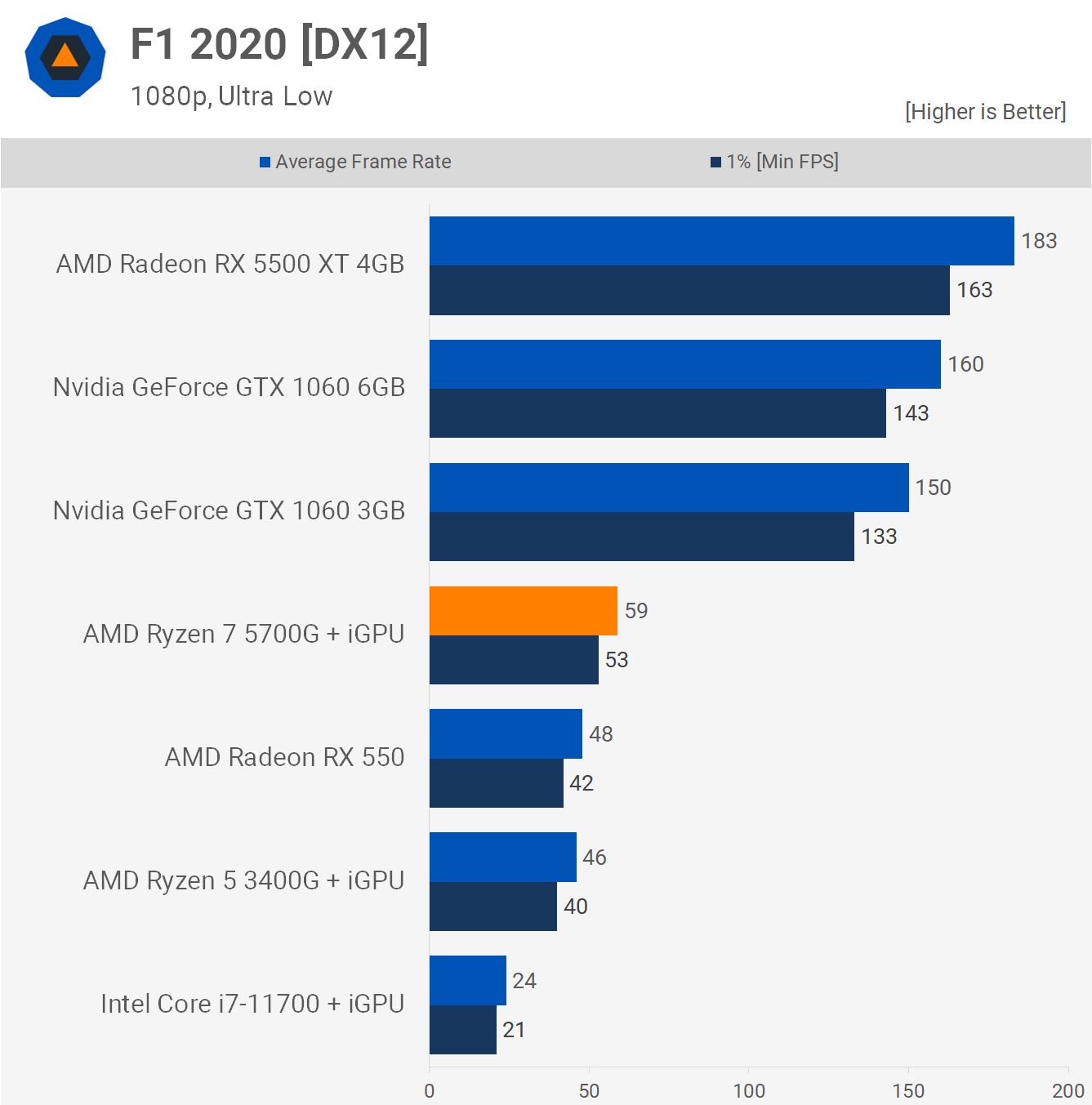

AMD Ryzen 7 5700G Review PCMag 1 . Ryzen 7 5700G In Early 2025 Test In 15 Games Is It Still Good For . AMD Ryzen 7 5700G APU Review Radeon GPU Inside TechSpot I F1 . REVIEW 2026 Ryzen 7 5700G Processor Features YouTube . Ryzen 7 5700G Unlocking Powerful Performance And Integrated Graphics AMD Ryzen 7 5700G


Unleashing Power A Review Of The AMD RYZEN 7 5700G CPU Electronikz Amd Ryzen 7 5700g Cpu Review Thumbnail . Ryzen 7 5700G RTX 5060 In 2026 Gaming Rendering Encoding Tests . REVIEW 2026 AMD Ryzen 7 5700G ASUS ROG Strix B550 F Gaming . AMD Ryzen 7 5700G CPU How Good In 2024 YouTube . Best Budget AMD Ryzen CPUs For Gaming In 2026 Top Picks AMD Ryzen 7 5700G

Is The Ryzen 7 5700G Good For Gaming In 2025 Here S What We Think WePC AMD Ryzen 7 5700X . Best GPU For AMD Ryzen 7 5700G In 2024 TechYorker Best GPU For Ryzen 7 5700G 860x484 . Onix AMD Ryzen 7 5700G Processor Precision Performance Media. Ryzen 7 5700G Vega 8 Test In 24 Games In 2024 Still Good For Gaming . AMD Ryzen 7 5700G Review Fastest Integrated Graphics Ever Tom S Hardware 1024 80

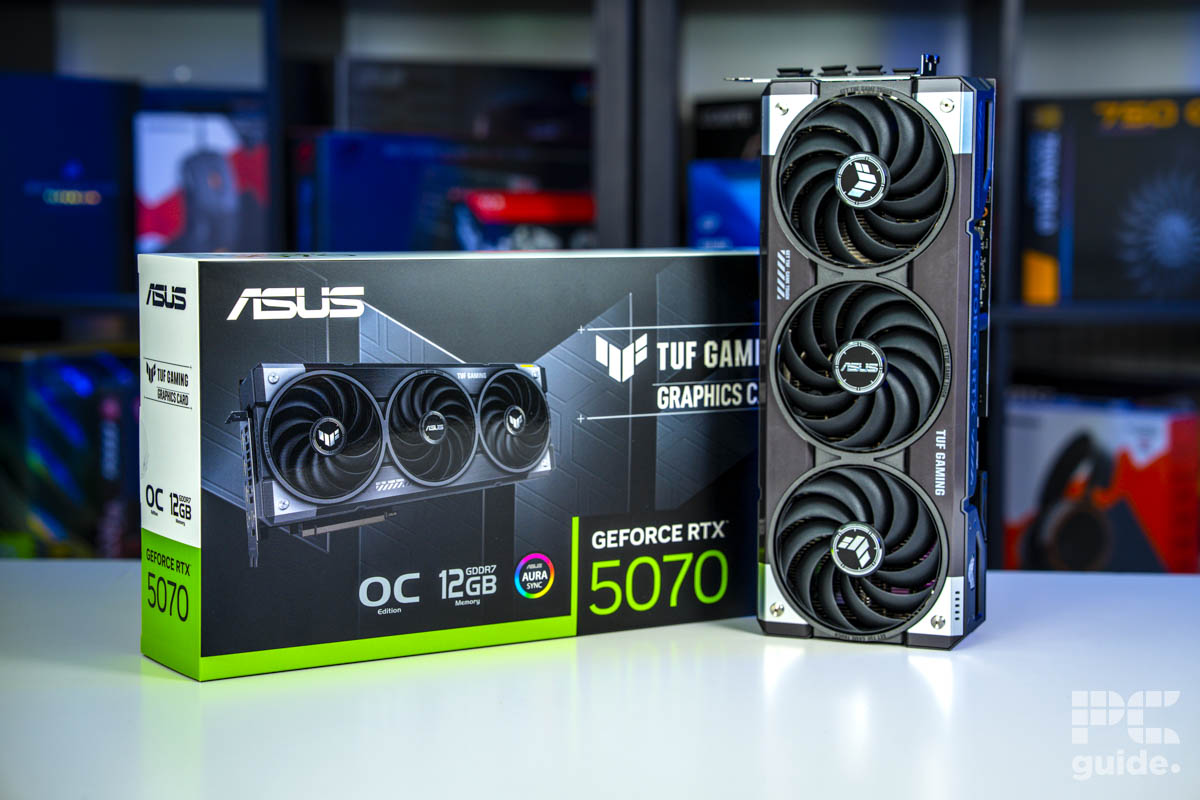
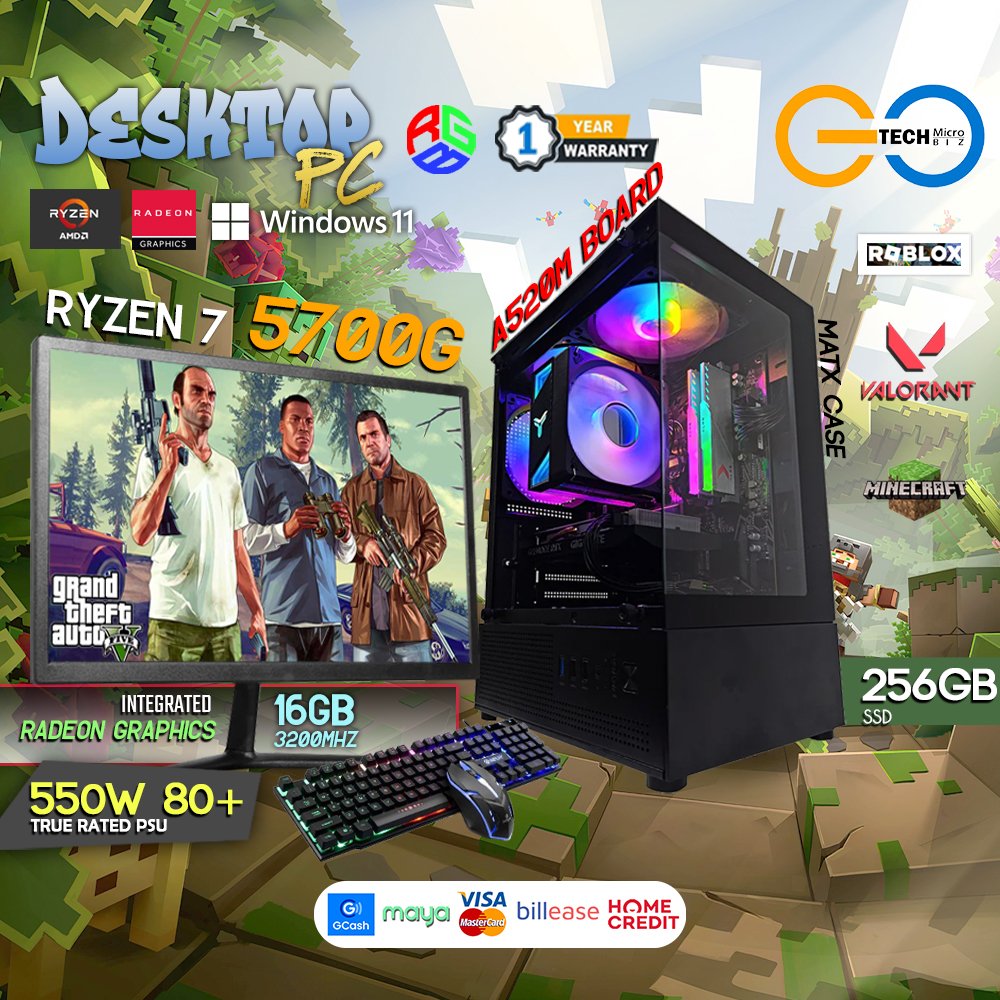

Ryzen 7 5700G Vega 8 Gaming Test 30 Games Tested Still Good In 2023 . Best GPUs For Ryzen 7 5700G In 2026 Our Top Tested Picks PC Guide ASUS TUF Gaming GeForce RTX 5070 OC Vertical Side Image By PC Guide . Best GPUs For Ryzen 7 5700G In 2026 Our Top Tested Picks PC Guide ASUS TUF Gaming GeForce RTX 5070 OC Vertical With Box Image By PC Guide . AMD Ryzen 7 5700G Desktop PC With 19 Monitor PC Build Go Tech MicroBiz 5700G Jan2026 . Ryzen 7 5700G PC Build 2026 Friday Special Gaming Video Editing


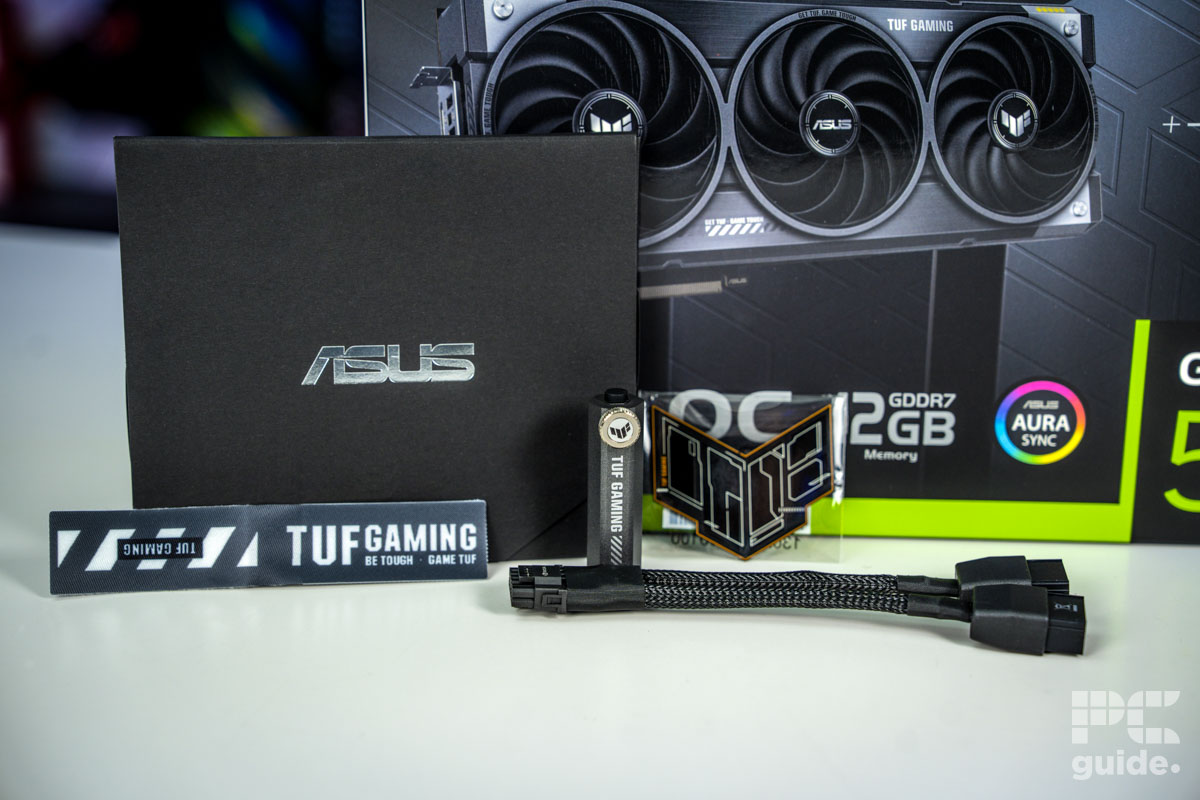
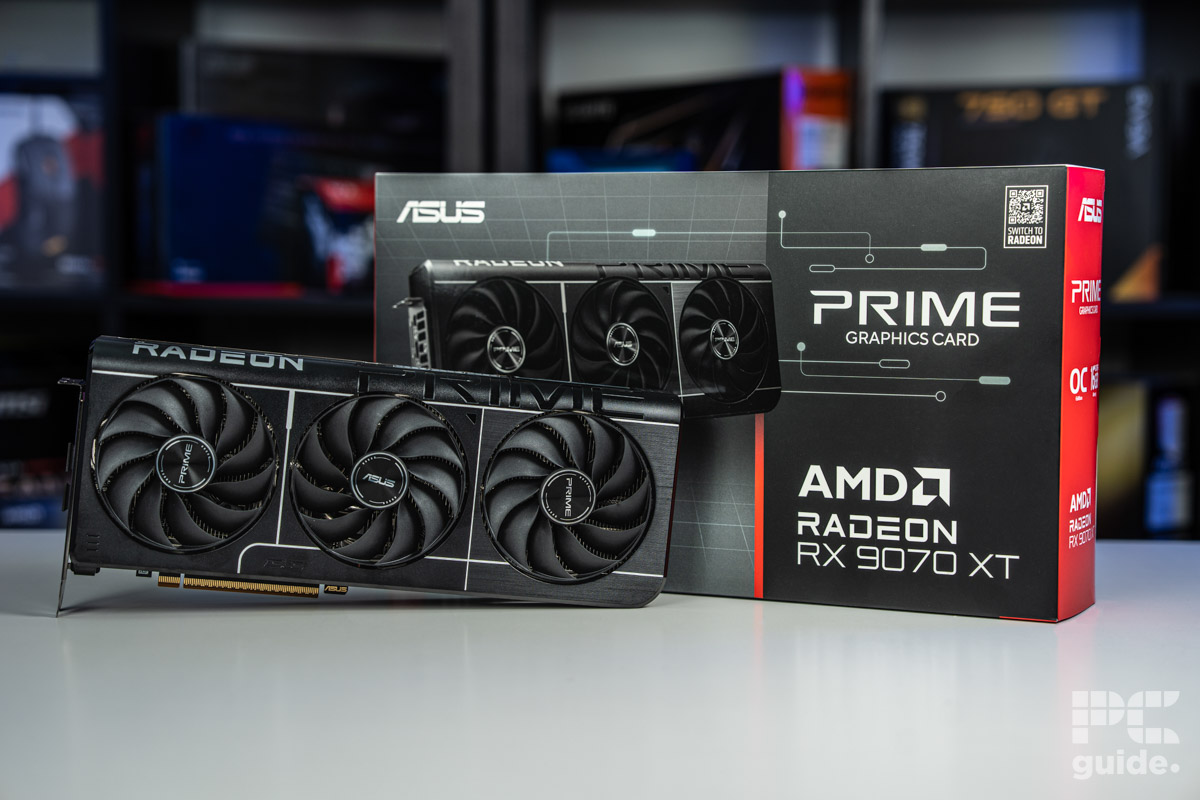
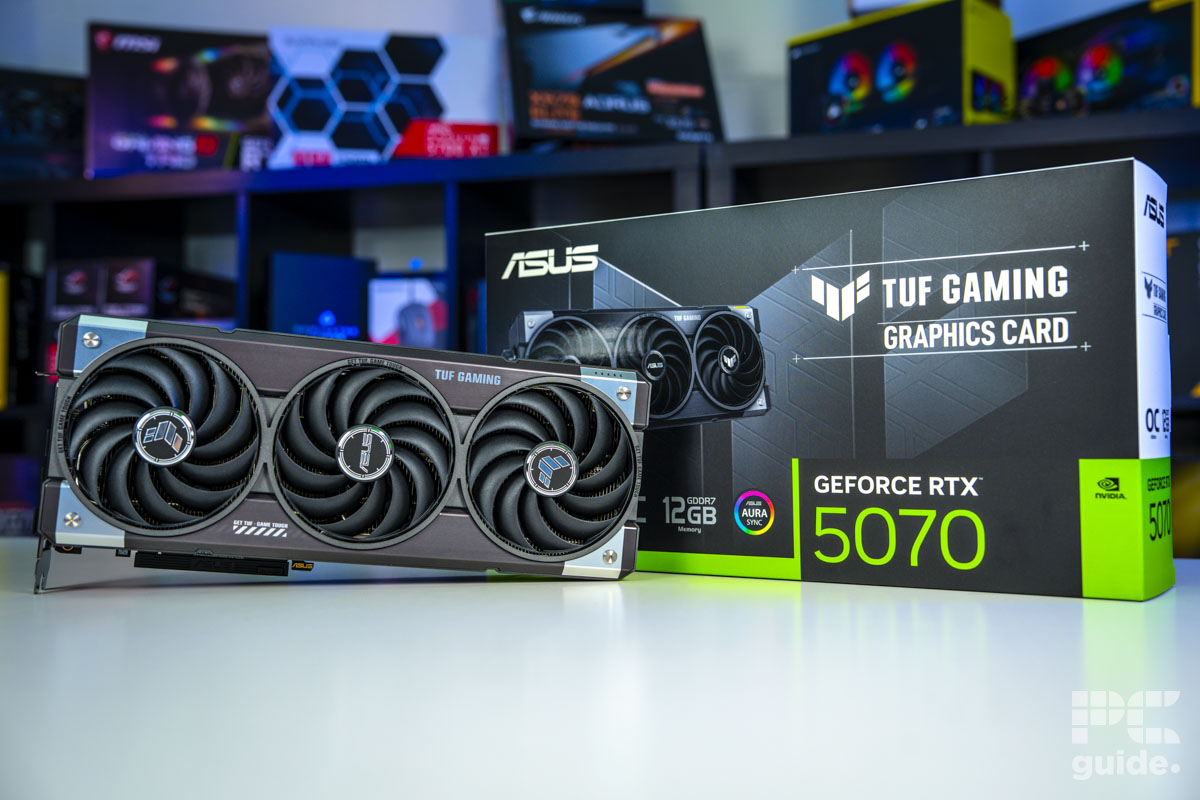
Best GPUs For Ryzen 7 5700G In 2026 Our Top Tested Picks PC Guide MSI Gaming Trio RTX 5070 OC Cyberpunk 2077 Upscaling Image By PC Guide . Best Graphics Cards For Ryzen 7 5700G 2026 Expert Reviews Analysis B0C8JZNLZL Customer 4 1536x864 . Best GPUs For Ryzen 7 5700G In 2026 Our Top Tested Picks PC Guide ASUS TUF Gaming GeForce RTX 5070 OC Extras Image By PC Guide . Best GPUs For Ryzen 7 5700G In 2026 Our Top Tested Picks PC Guide ASUS Prime RX 9070 XT OC In Front Of Box Image By PC Guide . Best GPUs For Ryzen 7 5700G In 2026 Our Top Tested Picks PC Guide ASUS TUF Gaming GeForce RTX 5070 OC In Front Of Box Image By PC Guide


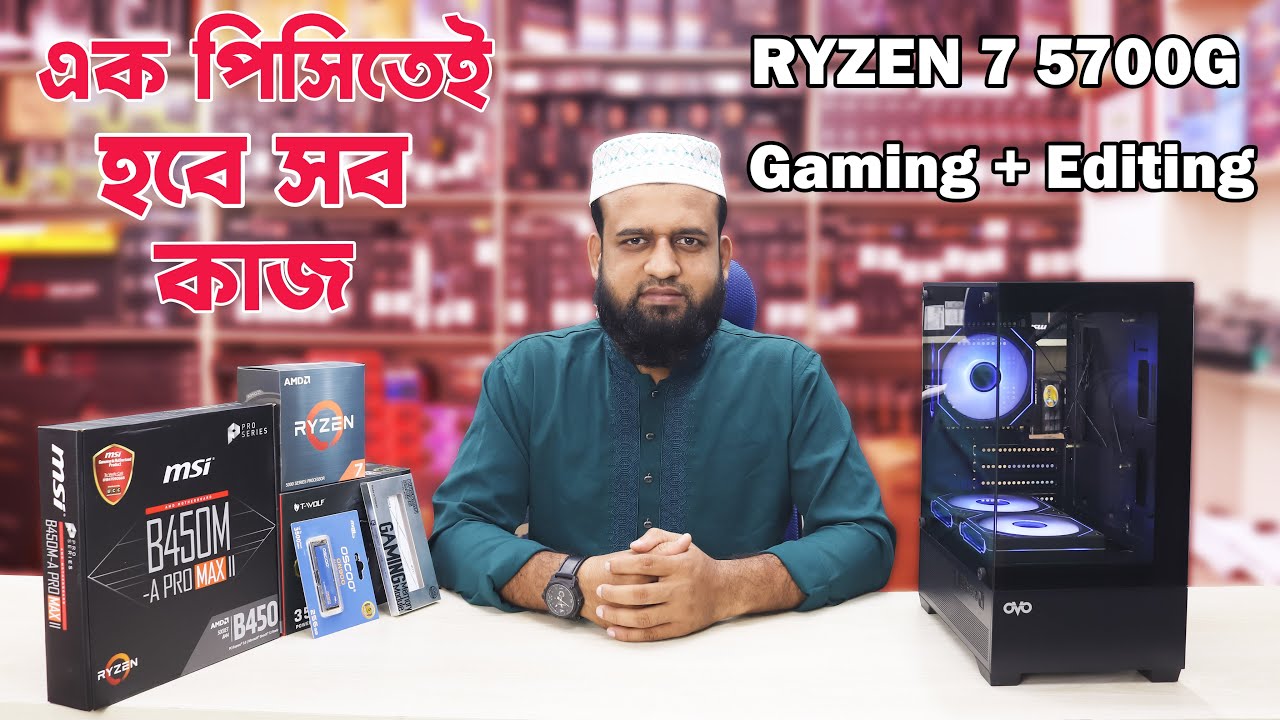

Best Graphics Cards For Ryzen 7 5700G 2026 Expert Reviews Analysis B0C59RVD98 Customer 3 1 1152x1536 . Best GPU For Ryzen 7 5700G Our Top Graphics Card Picks PC Guide Best GPU For Ryzen 7 5700G 800x450 . REVIEW Ryzen 7 5700G Tem Pot Ncia De Sobra Para Games Capa Ryzen 7 5700G 1920x1024 .webp. Ryzen 7 5700G PC Build Gaming Video Editing Best APU Build . Best GPU For Ryzen 7 5700G YouTube